
AI product visuals and ecommerce content guides
Use this library to turn product photos into clearer listings, PDP visuals, lifestyle scenes, model images, banners, Amazon A+ assets, and repeatable ecommerce workflows.
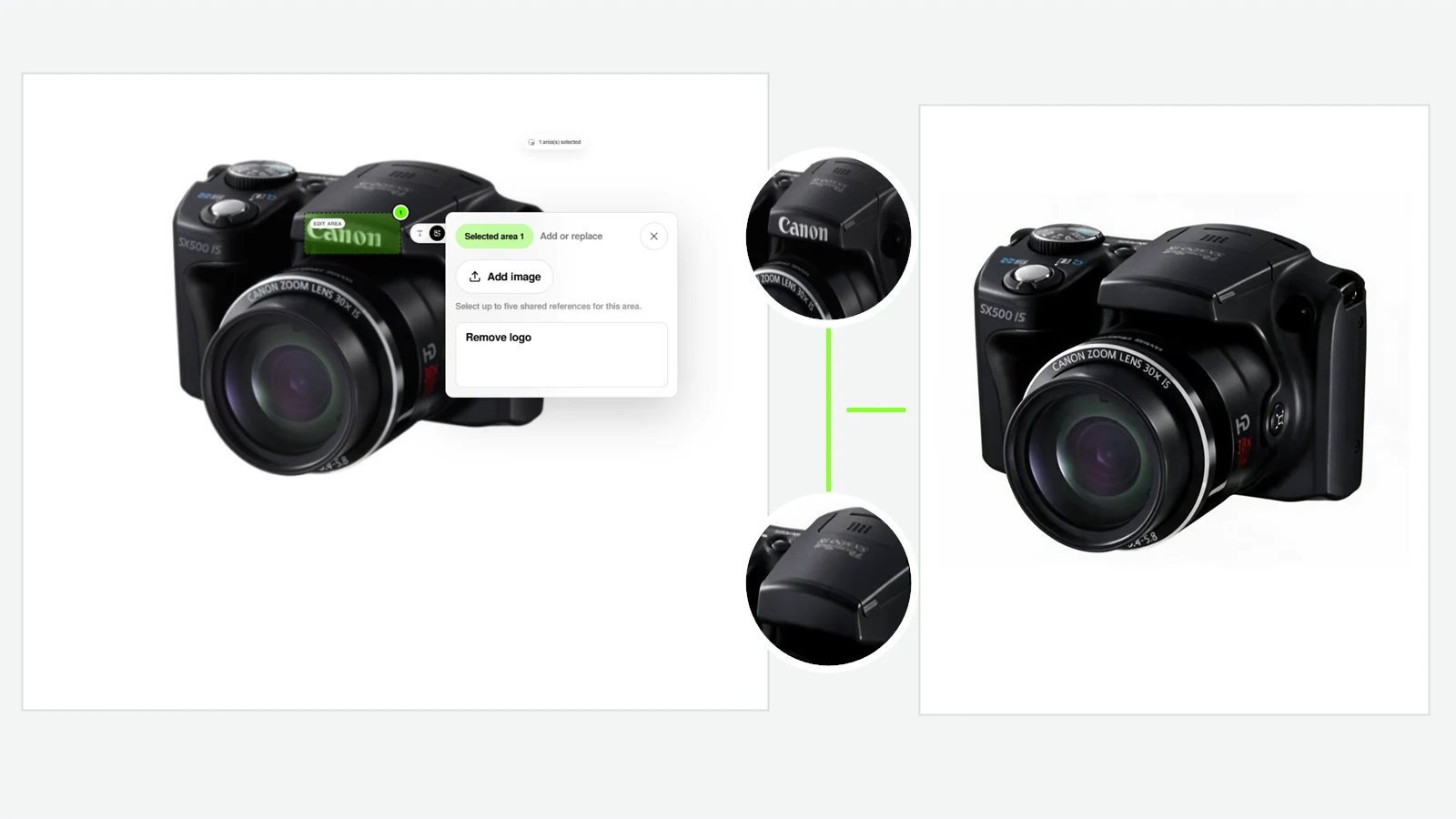
How to Edit and Clean Up Product Images in LoomaDesign
A controlled LoomaDesign workflow for turning an existing product photo into an edited, enhanced, retouched, and transparent ecommerce asset.
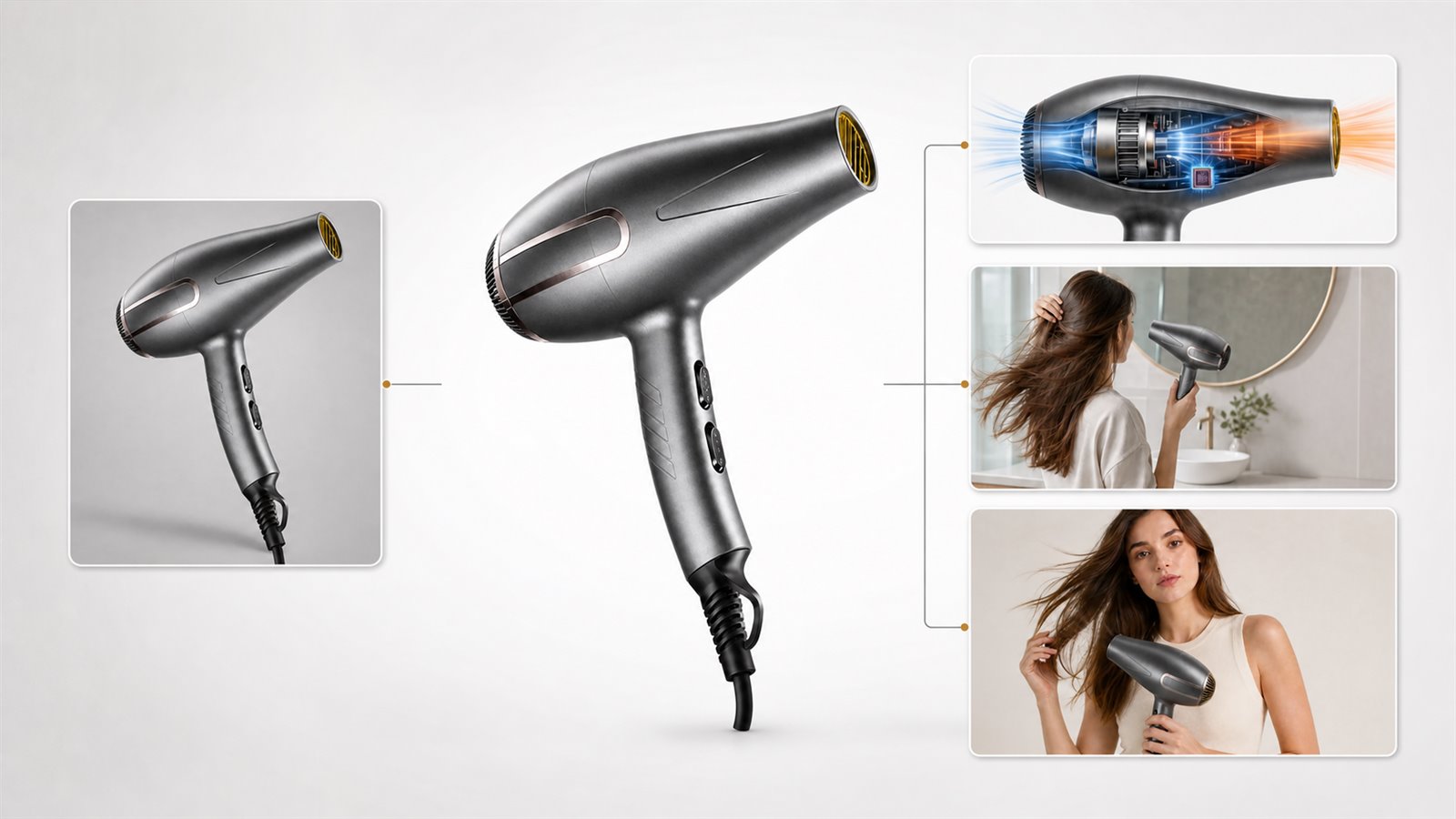
How to Use LoomaDesign: A Complete Product Image Workflow
A practical guide to taking approved product inputs through LoomaDesign without losing control of the SKU, brand, claims, or final image job.
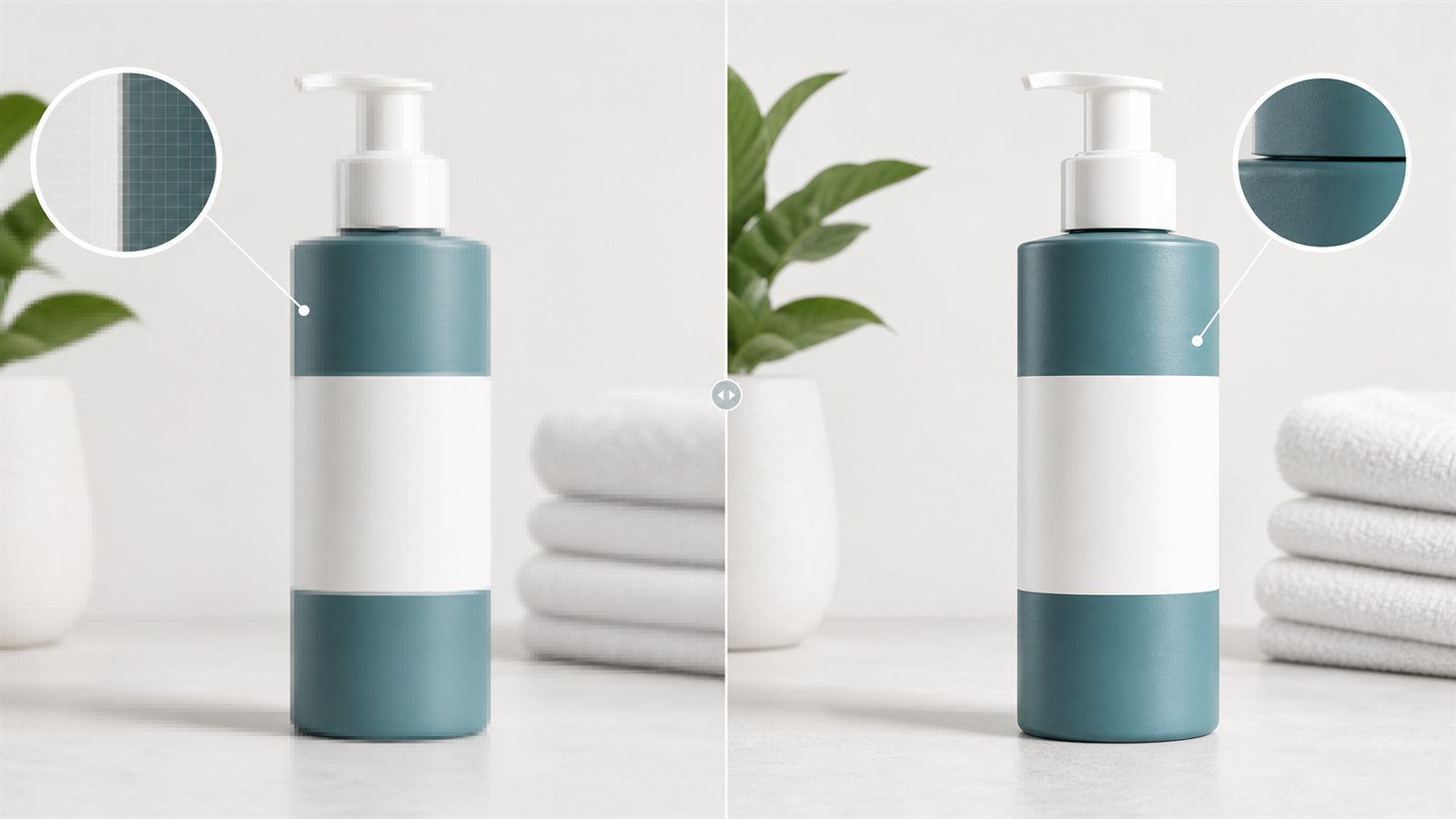
Upscale vs Enhance Product Photos: Which Fix Should You Use?
A practical decision guide for sellers choosing between image upscaling, enhancement, retouching, and a new source photo.
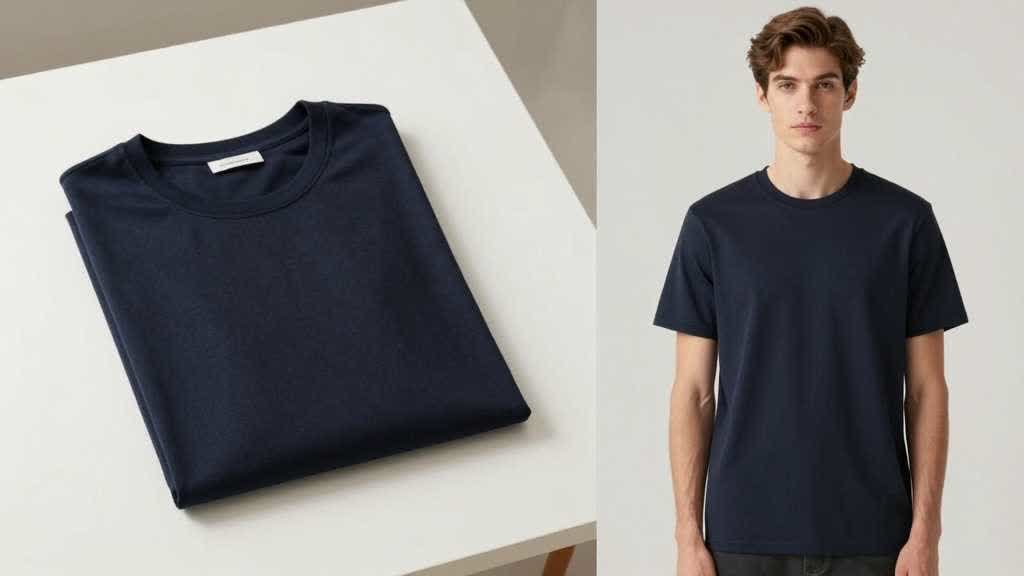
AI Virtual Try-On for Clothes: Seller Workflow
AI virtual try on clothes workflow for ecommerce sellers: prepare flat lays, generate model images, and check color, fabric, print, and fit.
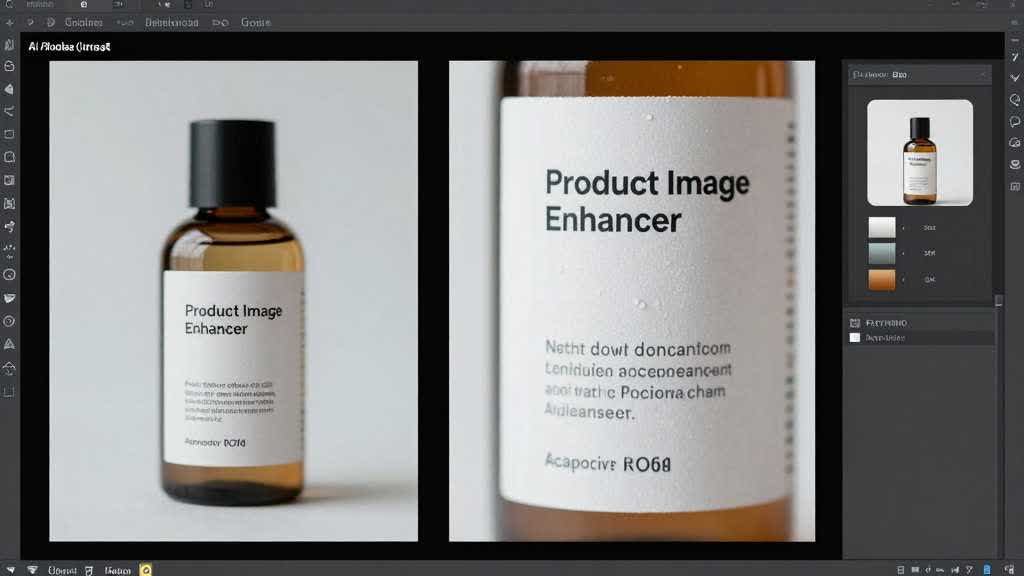
AI Product Image Enhancer for Ecommerce: Fix Soft Product Photos Without Losing SKU Accuracy
AI image enhancement can rescue weak ecommerce product photos when the workflow protects product facts first. This designer-led guide shows when to enhance, when to regenerate, and how to QA labels, color, texture, accessories, and mobile readability before a listing goes live.
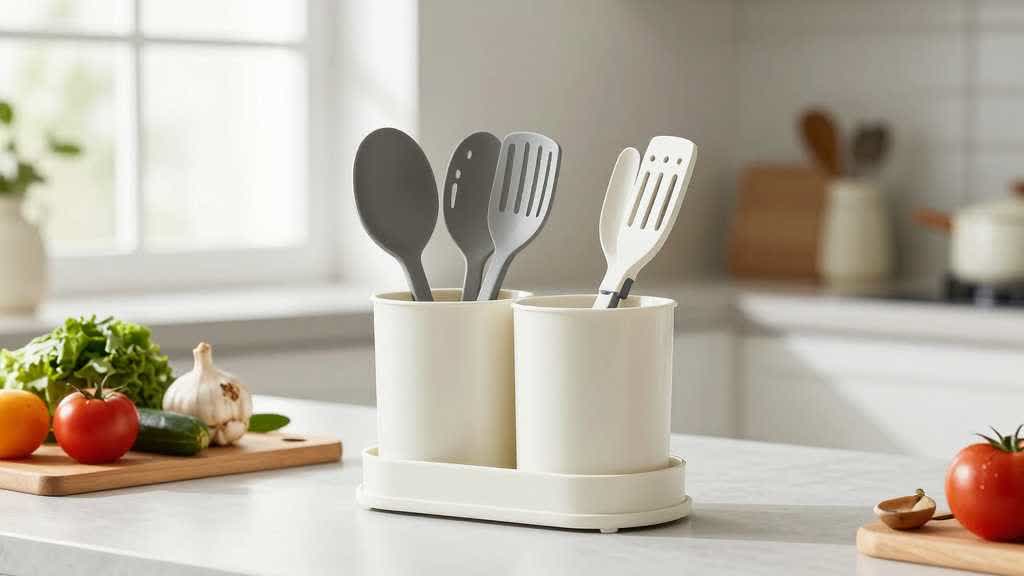
Amazon Lifestyle Product Image Best Practices 2026: How I Use Scenes to Prove the Product
Lifestyle product images should not decorate a listing. They should prove use, scale, material, fit, and buyer confidence without changing the real SKU.
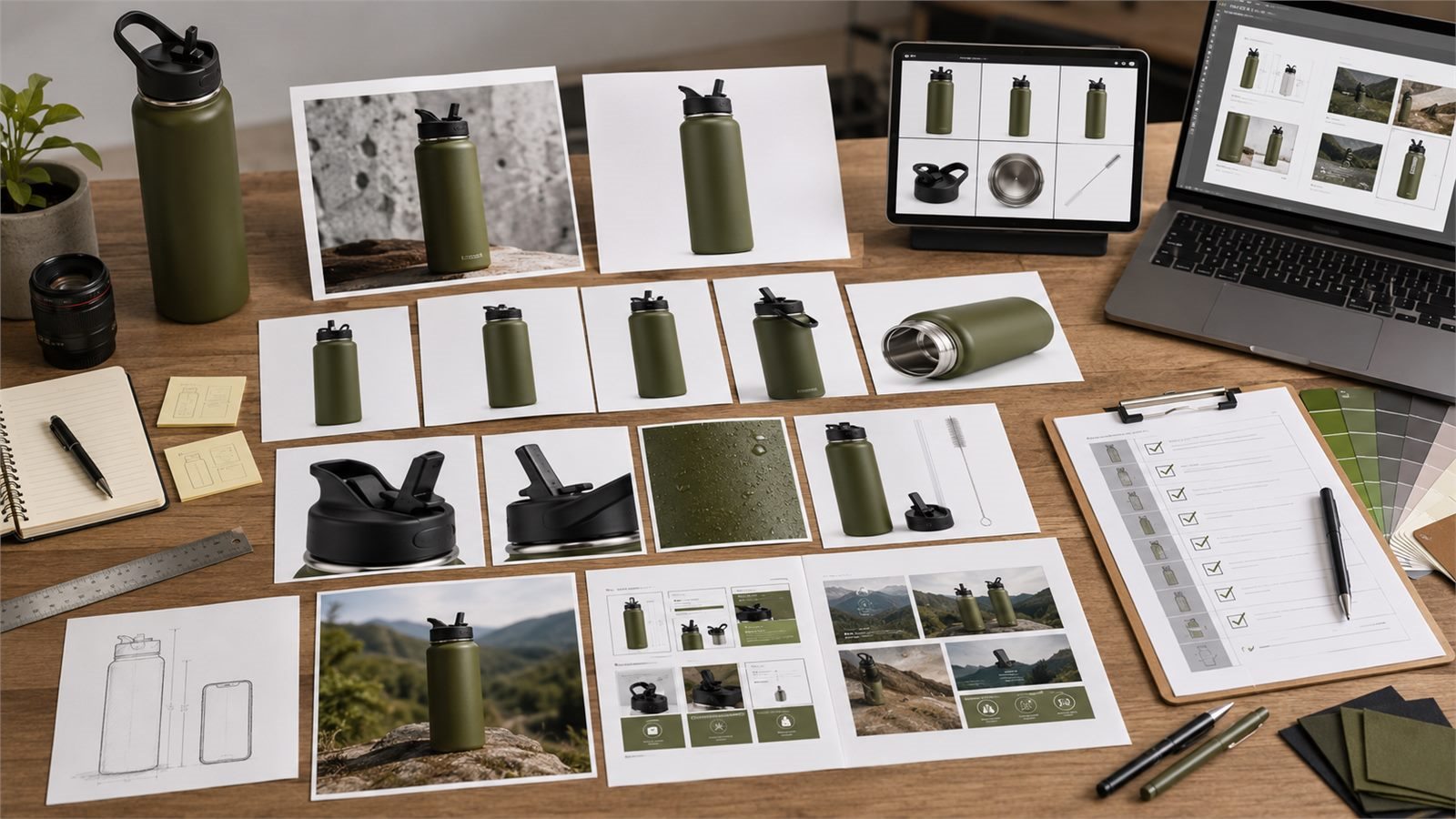
How to Create Amazon Listing Images and A+ Content with LoomaDesign
A practical LoomaDesign workflow for turning one approved product photo into an Amazon main image, gallery set, and A+ content without changing the SKU.
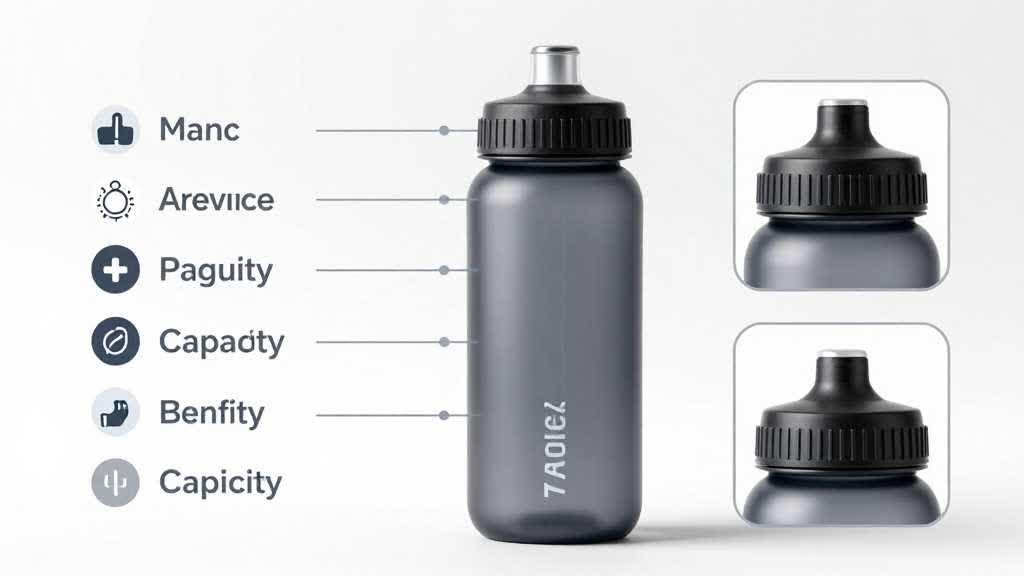
AI Product Image Generator for Feature Callout Images: Turn Product Facts Into Buyer Proof
A professional workflow for creating ecommerce feature callout images with AI, from product facts and buyer doubts to visual proof, mobile QA, and marketplace-safe exports.
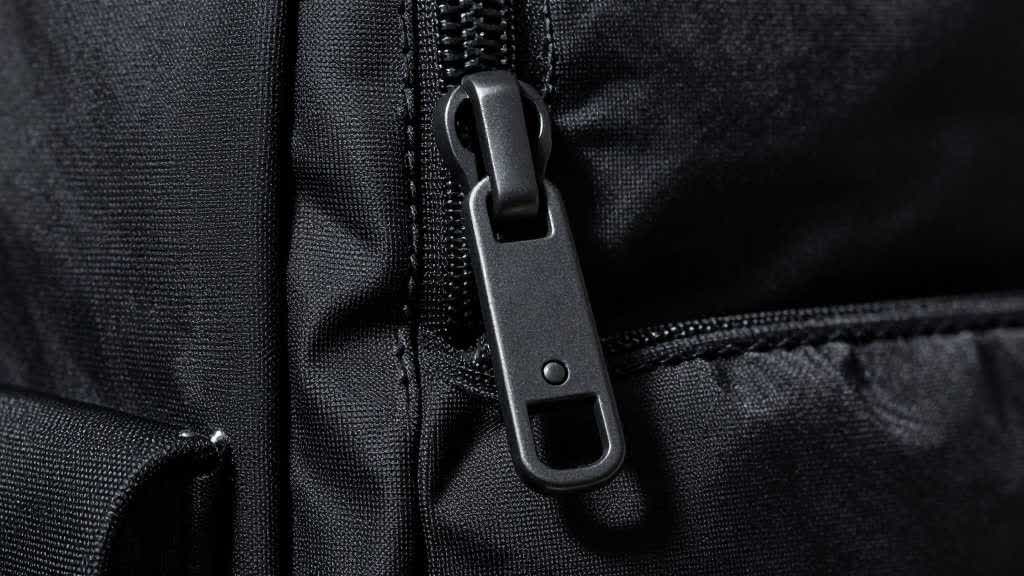
AI Product Image Generator for Detail Images: Show Texture, Parts, and Proof Without Changing the SKU
Detail images help buyers inspect the part of the product they cannot touch. Use this workflow to create closeups, texture proof, hardware views, and feature images without changing the SKU.

Amazon A+ Content Image Generator: From One Product Photo to Module-Ready Visuals
Use an A+ Content image generator to turn a source product photo into hero, feature, comparison, detail, use-case, and package-content visuals for Amazon pages.
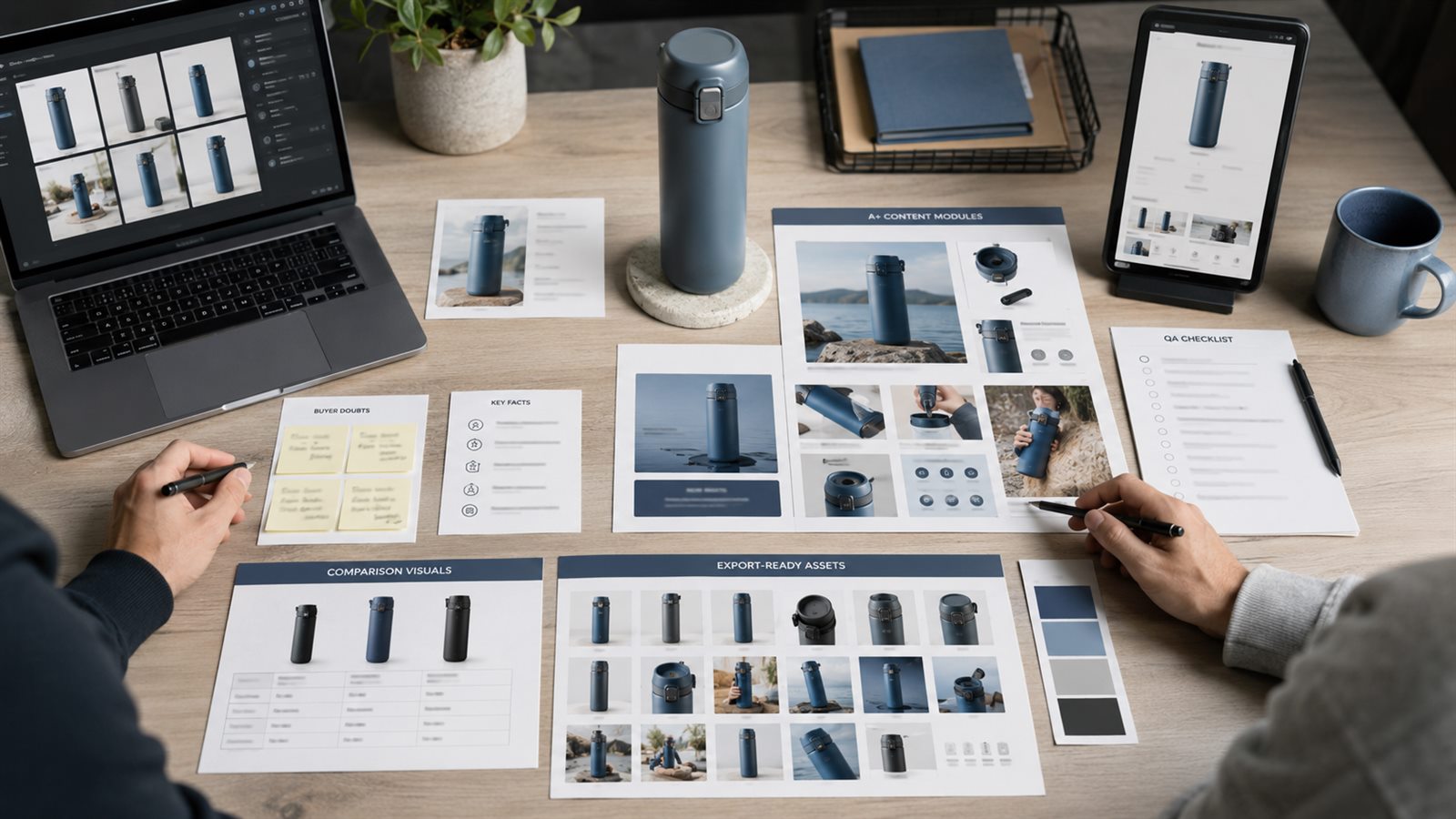
Amazon A+ Content Agency Alternative: AI vs Agency
A practical comparison of an AI A+ Content workflow, a design agency, and a hybrid model for Amazon brands.
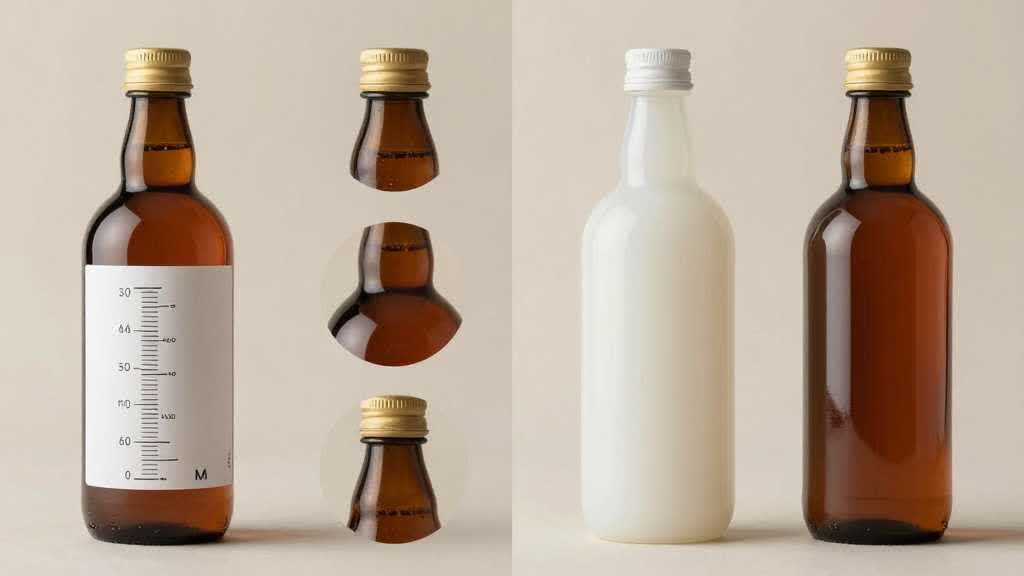
AI Product Image Generator for Comparison Images: Turn Product Differences Into Buyer Proof
Comparison images work when they turn a buying tradeoff into visual proof. Use this workflow to create side-by-side ecommerce product images without changing the real SKU.
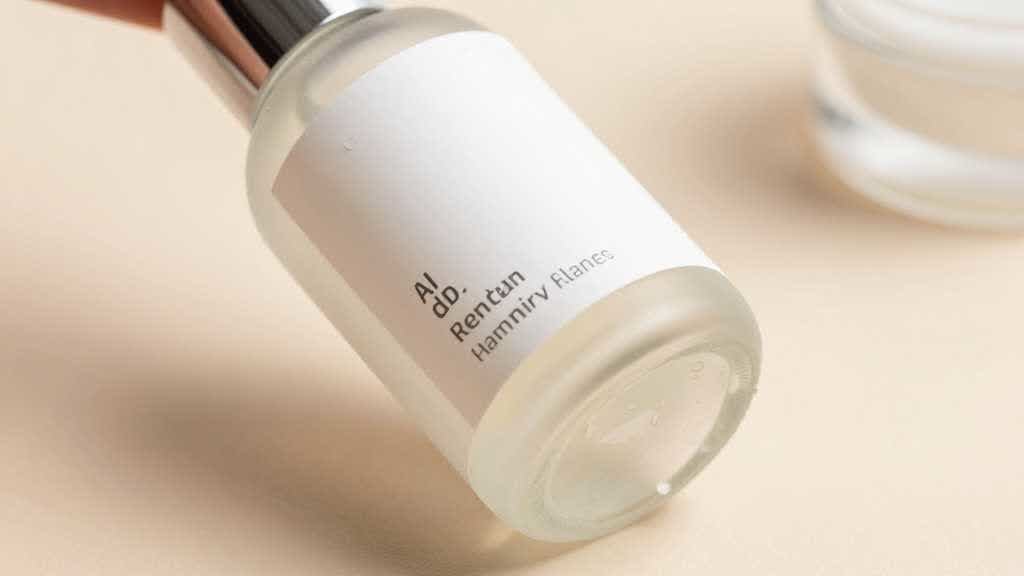
Ecommerce Product Photo Retouching for Beauty and Skincare: Keep Labels, Liquid, and Packaging Accurate
Beauty and skincare retouching needs a lighter hand than generic product cleanup. Use this workflow to improve product photos without changing labels, liquids, packaging, or buyer expectations.
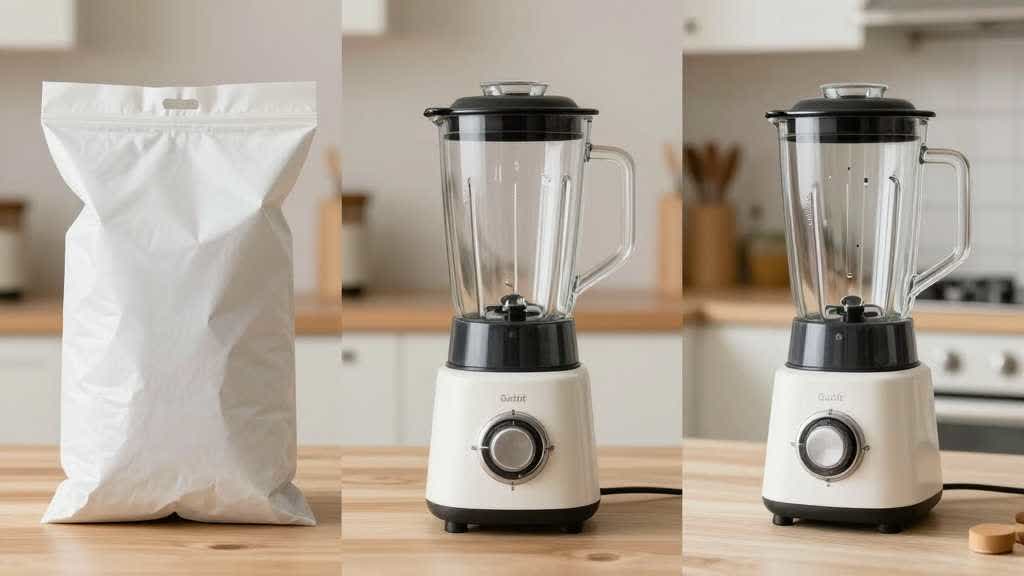
Product Background AI for Home and Kitchen Products: Scenes That Explain Use, Scale, and Material
Home and kitchen product backgrounds should do more than look polished. Use this workflow to create AI product scenes that explain use, scale, material, storage, and cleaning.
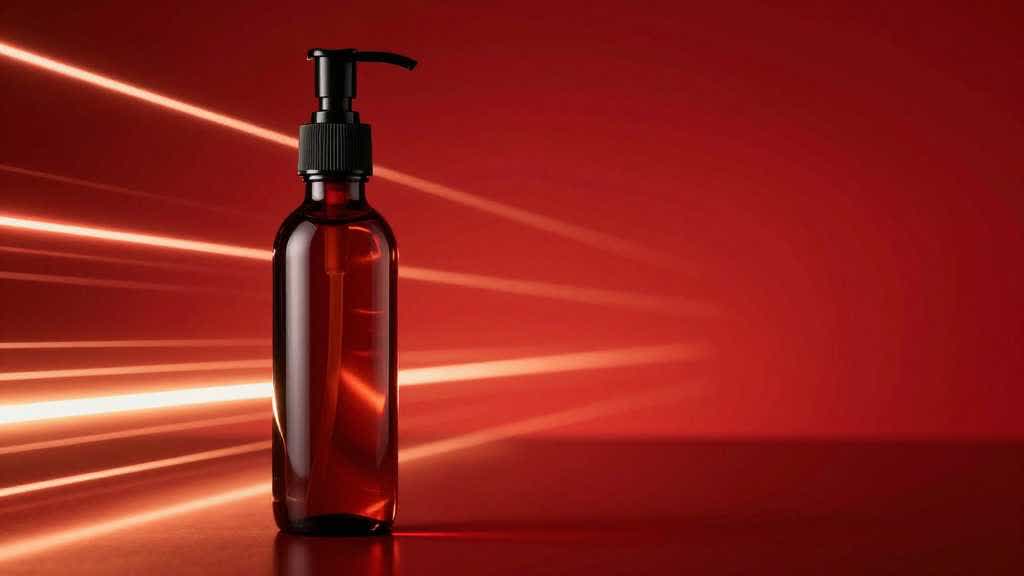
AI Product Image Generator for Ad Creatives: Make Test Images Without Breaking SKU Accuracy
Ad creatives need speed, but product truth still matters. Use this workflow to create testable ecommerce ad images from one product photo without changing the SKU.
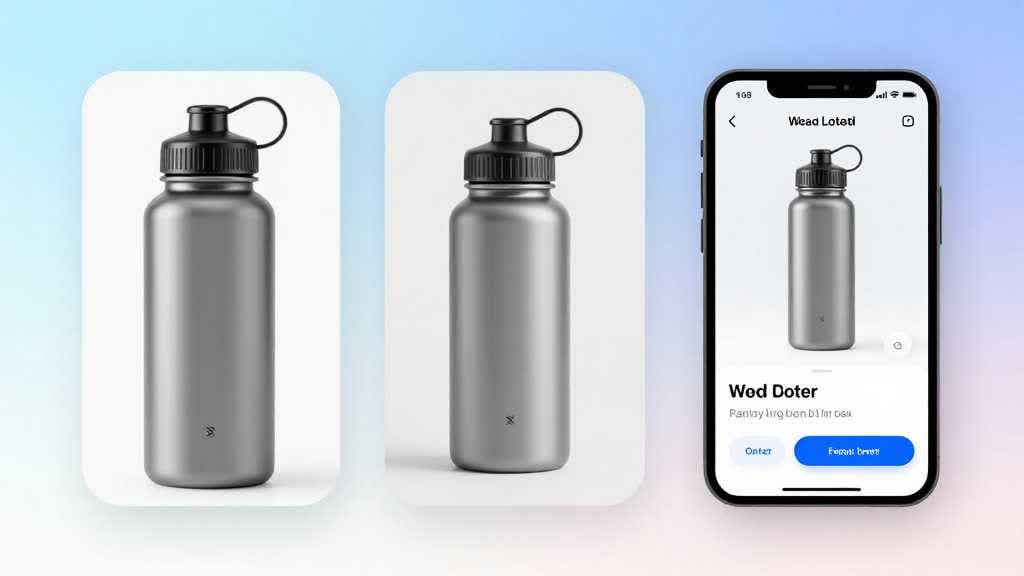
AI Product Image Generator for Landing Pages: Build a Full Visual Set From One Product Photo
A landing page needs more than one clean product photo. Use this workflow to turn one reference image into a full product visual set for hero sections, proof blocks, feature cards, and mobile previews.
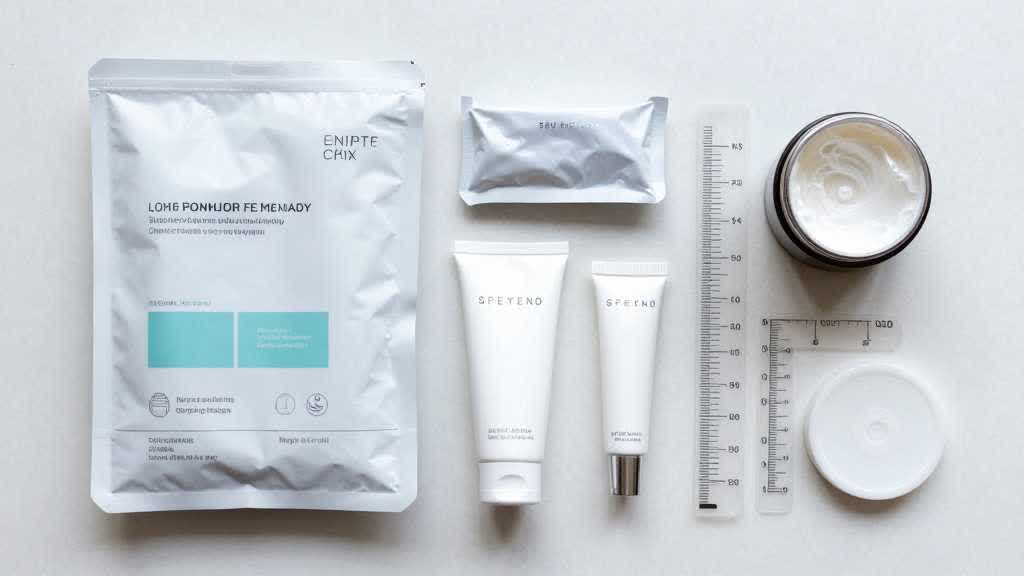
AI Product Image Generator for Product Bundles: Keep Included Parts, Scale, and Packaging Accurate
Product bundles are easy to misrepresent with AI images. Use this workflow to create accurate bundle visuals for included parts, packaging, scale, and product page proof.
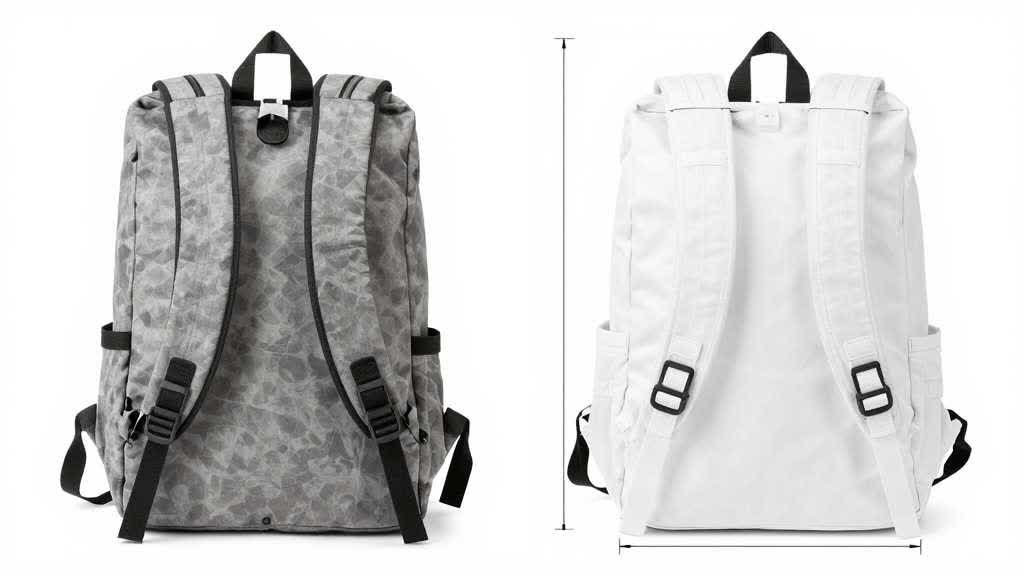
Amazon Main Image AI Generator: Turn Supplier Photos Into Compliant Listing Images
Supplier photos often fail Amazon main image checks because the background, crop, resolution, and product framing are weak. Use this AI workflow to create safer Amazon-ready main images.

AI Product Image Generator for Shopify Stores: Build a Product Page Image Set Without a Studio Shoot
Learn how Shopify stores can use an AI product image generator to create a complete product page image set from existing product photos without booking a full studio shoot.
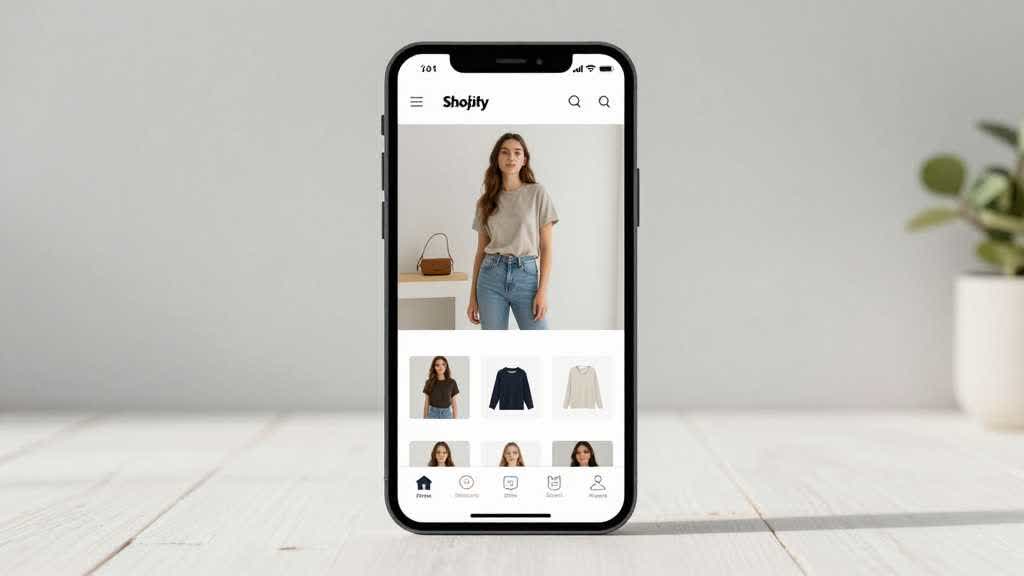
AI Product Image Generator for Shopify Product Pages: Main Image, Variants, Lifestyle, and Mobile Gallery
Use an AI product image generator to build a Shopify product page image set that supports recognition, variants, lifestyle context, detail proof, and mobile buying decisions.
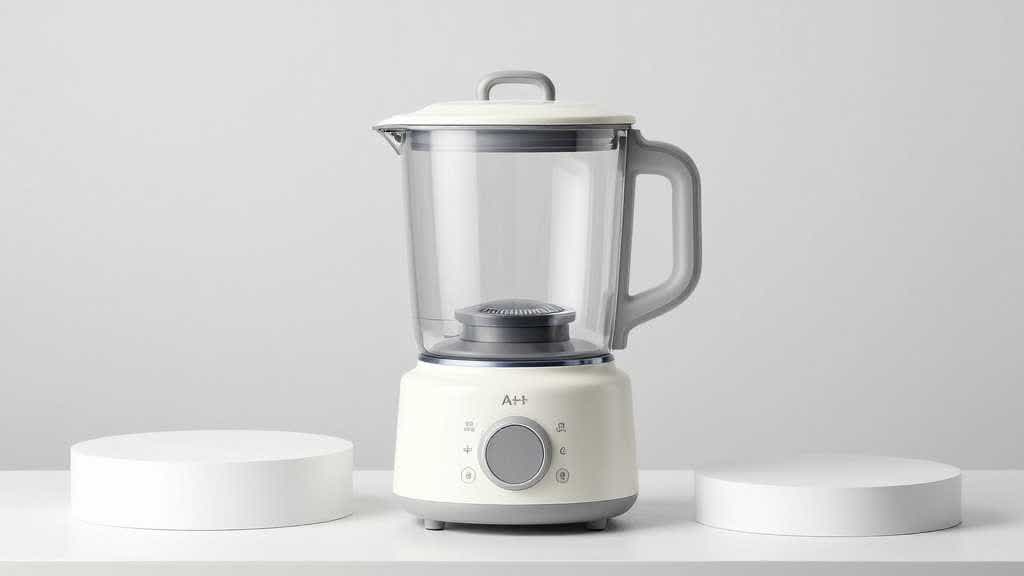
AI Product Background Generator for Ecommerce: White, Lifestyle, and A+ Scenes Without Losing SKU Accuracy
Learn how to use AI product backgrounds for ecommerce without losing product accuracy, category fit, mobile clarity, or buyer trust.
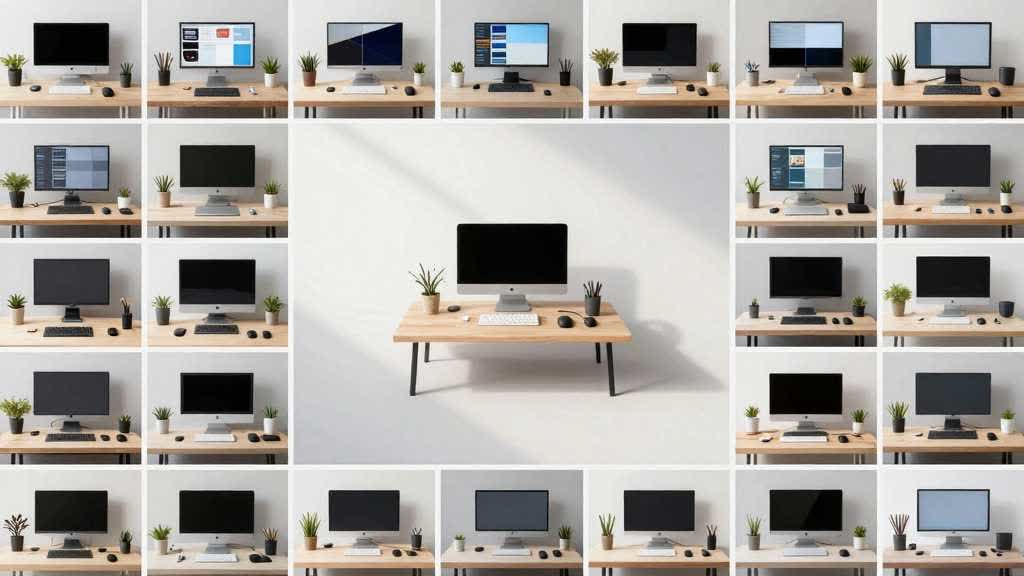
How to Turn One Product Photo Into a Full Ecommerce Image Set With AI
Learn how to turn one product photo into a complete ecommerce image set with AI while protecting product accuracy, platform fit, and buyer trust.
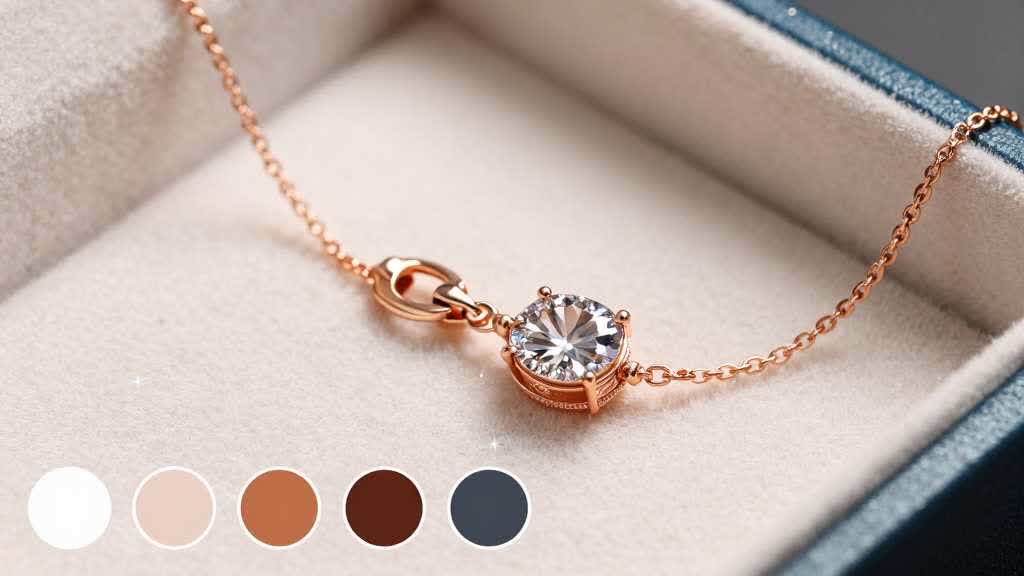
Amazon Listing Images for Jewelry and Small Accessories: Macro Detail, Scale, Variants, and Trust Proof
Learn how to plan Amazon listing images for jewelry and small accessories with the right main image, macro detail, scale proof, variants, trust visuals, and A+ flow.
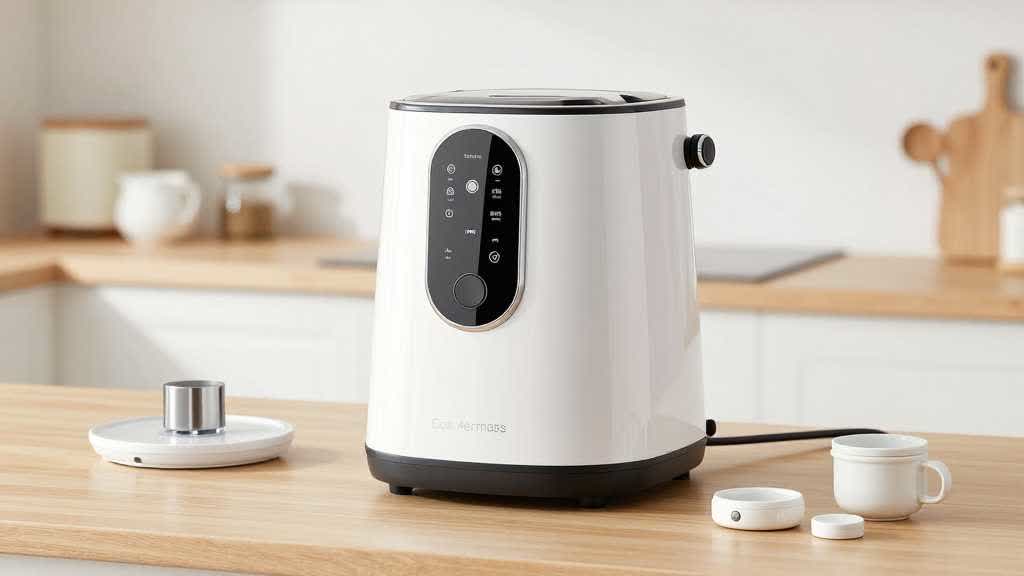
Amazon Listing Images for Small Kitchen Appliances: Main Image, Scale, Detail, and A+ Flow
Plan Amazon listing images for small kitchen appliances with a practical sequence for main image, scale, controls, parts, cleaning, use scenes, and A+ Content modules.