
AI Product Page Design Generator Category QA
Many AI product page design tools promise the same thing: upload a product image, generate a better page, move faster. That promise is too broad for ecommerce. A skincare bottle, USB hub, dog brush, ceramic bowl, and compression shirt all need different product page logic.
The better way to evaluate an AI product page design generator is by category fit. The tool should understand which details buyers inspect, which visual claims are risky, and which PDP sections need factual support before anything is published.
Quick Answer
A strong AI product page design generator should create category-aware product visuals. It should preserve the SKU, choose the right image role, keep copy tied to verified facts, and produce a page structure that still works on mobile.
For SEO and buyer trust, this article now focuses on the QA layer behind generated product pages. The broader PDP visual-system topic belongs to Product Detail Page Design AI, while this page covers how to judge generator output by product type.
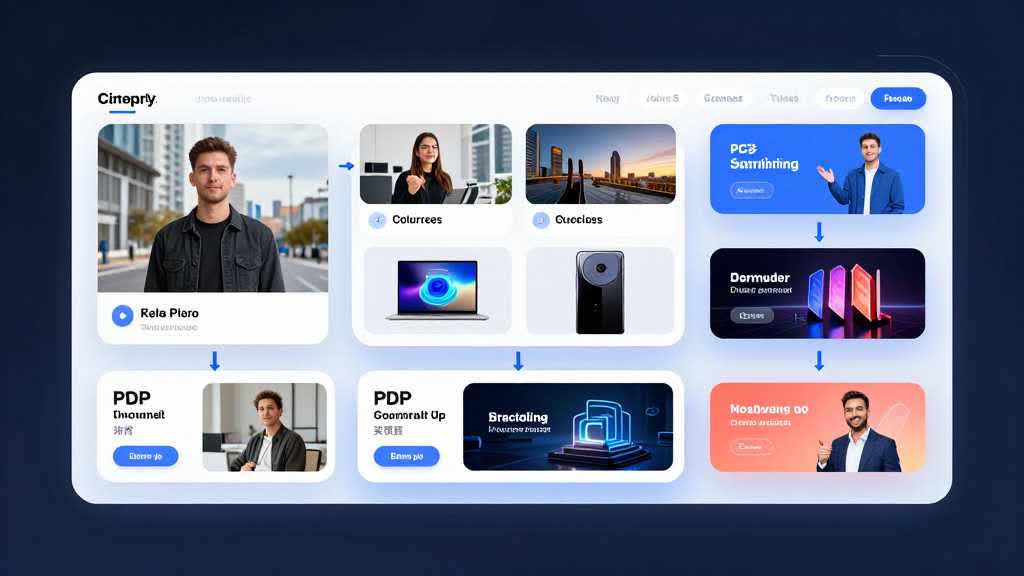
Category First, Tool Second
The same PDP layout can fail for different reasons across categories. Beauty buyers may inspect label claims and shade accuracy. Electronics buyers may check ports, compatibility, cable length, and setup. Apparel buyers may care about fit, fabric, color, and body context. Home and kitchen buyers often need scale, storage, cleaning, and material confidence.
That means the first question is not "does the page look professional?" The first question is "does the generated page answer the category-specific doubts that stop a buyer from purchasing?"
| Product category | Buyer doubts | Generator output to review |
|---|---|---|
| Beauty and skincare | shade, ingredient context, routine order, packaging trust | label clarity, bottle color, texture scene, compliant benefit wording |
| Electronics accessories | compatibility, ports, cable length, device fit, setup | interface closeups, dimension callouts, desk scene, included-parts image |
| Home and kitchen | size, cleaning, storage, daily-use fit, material | scale scene, countertop context, material closeup, care module |
| Apparel and soft goods | fit, drape, fabric texture, color variants, size choice | model or flat-lay image, measurement module, variant consistency |
| Pet and baby products | safety, use context, cleaning, size, comfort | calm use scene, material proof, scale cue, claim review |
What the Generator Must Protect
Every generated page should protect product truth before it improves presentation. The product shape, color, label, material, included parts, and scale should remain stable across main images, lifestyle scenes, feature modules, banners, and comparison blocks.
This matters because shoppers use product pages as evidence. Salsify's 2025 Consumer Research reports that product images and videos are highly important in purchase decisions, and its product-page conversion analysis highlights inconsistent product information as a major reason shoppers abandon purchases.
For category review, use a stricter checklist:
- Beauty: preserve bottle color, label contrast, shade, applicator, skin-result implication, and ingredient claim.
- Electronics: keep ports, wireless behavior, screen states, adapter compatibility, and bundled accessories tied to the real product.
- Apparel: preserve fabric weight, fit, sleeve length, color variant, model proportions, and seam placement.
- Home goods: keep size, material thickness, capacity, dishwasher safety, and storage behavior accurate.
- Pet and baby: keep safety, age range, medical benefit, and durability claims tied to verified product facts.
Community Problem Patterns Worth Building Into the Page
Recent seller discussions around Amazon images, A+ modules, and AI-generated product visuals tend to return to three practical concerns: blurry uploaded modules, main-image rule confusion, and whether AI lifestyle images misrepresent the product. Those concerns belong inside the product page review workflow.
An AI product page design generator should therefore flag weak source files, warn when text is too small for mobile, separate white-background product evidence from lifestyle context, and keep generated scenes from implying unverified product claims.
| Community pain | Page-design implication | QA rule |
|---|---|---|
| A+ images look blurry after upload | the design may be too text-heavy or too fine for the module | check the live PDP and the editor preview |
| main image vs application photo debate | the page needs separate evidence and context images | keep main image factual, use lifestyle for secondary context |
| AI lifestyle image accuracy concerns | generated scenes may look real while changing product meaning | compare every output with the source SKU |
A Practical Evaluation Workflow
Start with one SKU and one category. Gather the source product image, dimensions, material facts, compatibility information, included parts, current PDP issues, and the buyer objections the page must answer. A generator cannot create a reliable product page from missing product truth.
Then create a small set of assets before generating a full page. Produce one product-first image, one detail image, one use-context image, one comparison or specs module, and one mobile-ready PDP section. Review those outputs before asking for more.
The page is ready only when the generated assets pass five checks:
- the product still matches the real SKU
- each image answers one buyer doubt
- category-specific details stay visible
- copy avoids unsupported claims
- mobile scan is clear without zooming
Run the Category QA Pass in LoomaDesign
LoomaDesign is strongest when a seller already has product assets but needs a more organized ecommerce visual workflow. The source image can be enhanced, cleaned, turned into controlled scenes, and then used inside PDP or A+ sections without treating every output as a separate creative experiment.
Use this page as the category QA checklist. Use Amazon PDP Best Practices for Product Images and A+ Content for the Amazon image stack, AI Product Image Generator for Ecommerce for the broader generator decision, and How to Fix Pixelated Product Photos when the source image is too weak.
FAQ
Is an AI product page design generator different from an AI image generator? Yes. An image generator creates assets. A product page design generator should decide where those assets belong, what buyer doubt each one answers, and whether the final page is accurate enough to publish.
Which product categories need the strictest QA? Beauty, supplements, electronics, baby products, apparel, jewelry, and technical accessories need stricter checks because color, compatibility, materials, fit, safety, and included parts can easily be misrepresented.
Should a generator create the full page before the product photos are cleaned? Usually no. Weak source images should be enhanced or replaced first. A polished layout built from a bad product image only hides the real problem.
How should sellers judge category-specific output? Compare the generated page against the real product and the design preview. Check the detail that buyers in that category actually inspect before purchase.