Turn flat lays into on-model images for faster apparel launches.

Fashion Model Workflow
AI Fashion Model Generator
LoomaDesign helps fashion and apparel teams create on-model ecommerce visuals faster, without turning every catalog update into a full photoshoot.
Quick answer
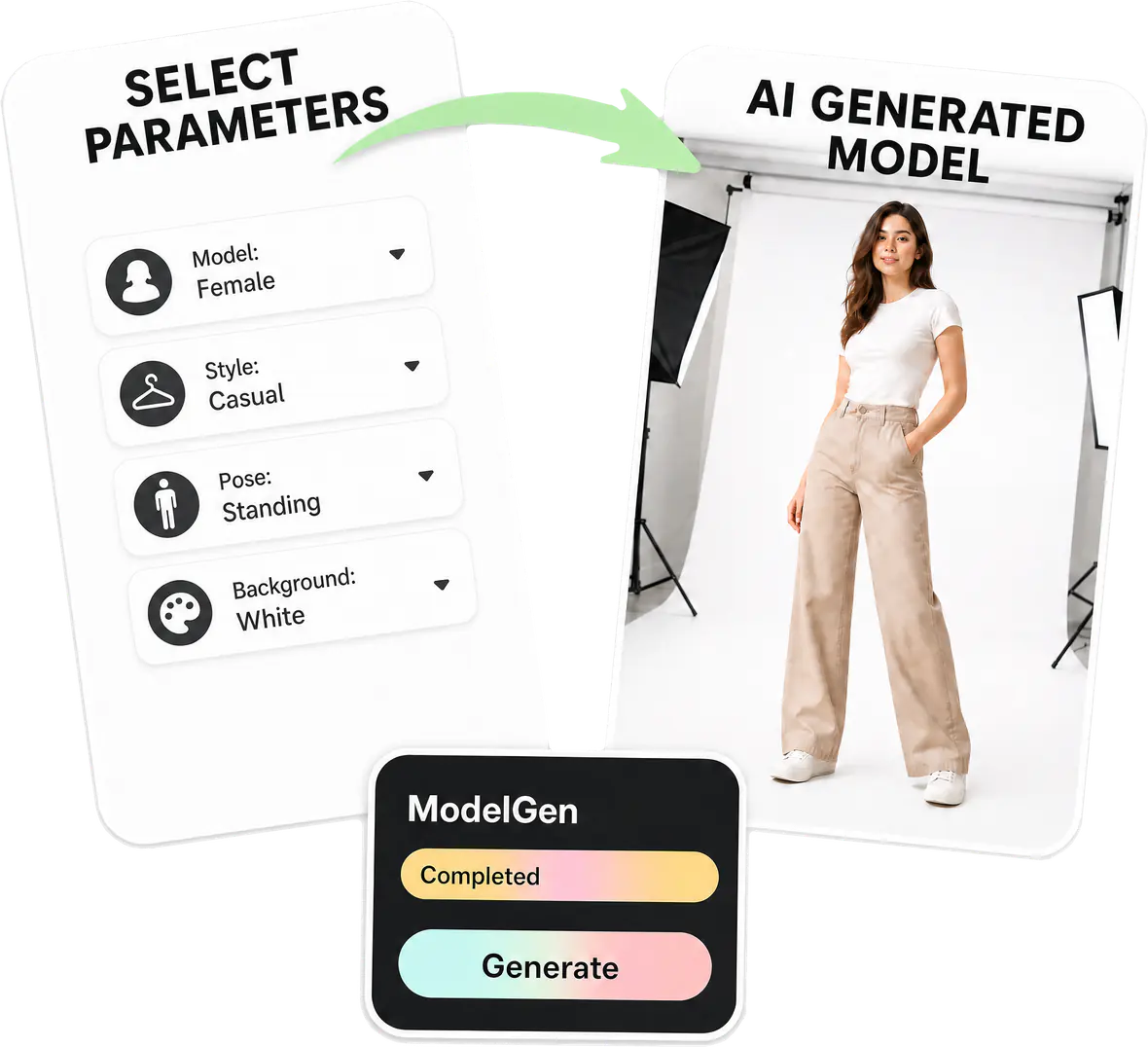
Use Looma to create AI fashion model images for ecommerce by moving from garment photos and flat lays into cleaner, review-ready on-model visuals.
Use cases
Where this helps ecommerce teams fastest
Create more catalog variants without rebooking every photoshoot.
Test model, styling, and merchandising directions with lower production overhead.
Workflow
A clearer path from product input to usable output
Step 1
Start from clean garment assets
Use flat lays or garment-first product images that show the item clearly before on-model generation begins.
Step 2
Set model and fit direction
Define the styling angle, model context, and any rules that help protect the garment presentation.
Step 3
Generate ecommerce-ready model visuals
Open the Product Model Image workflow to create faster on-model imagery for apparel catalogs, ads, and landing pages.
Why Looma
What buyers need to understand before they try the tool
Why apparel teams need a different image workflow
Fashion and apparel teams have higher visual accuracy demands than most ecommerce categories. The garment needs to stay believable while the output still moves fast enough for catalog work.
- Fit, drape, color, and garment detail all matter to the buying decision.
- A useful workflow needs to reduce production friction without making the clothing less trustworthy.
- The value is not novelty alone. The value is getting usable output for real merchandise operations.
Where this page is strongest
This solution is most useful when the bottleneck is on-model visual production, not only background replacement or product scene styling.
- Apparel brands expanding catalog imagery across many SKUs.
- Merchandising teams testing more product presentation angles.
- Teams that need faster model visuals before committing to a larger production cycle.
How this fits alongside Looma’s other visual workflows
Model imagery is one layer of the broader ecommerce visual system. It works best when teams know when to use it and when another Looma workflow is the better fit.
- Use Product Model Image for apparel, wear, and human-led product presentation.
- Use Product Scene Image when the goal is context, environment, or non-apparel product storytelling.
- Use Amazon PDP & A+ Content Design when the challenge is the broader structure of the product detail page.
FAQ
Questions buyers usually ask before they click in
Related resources
Continue into the Looma content cluster
Related Visual WorkflowSolution
Amazon Lifestyle Image Generator
Turn plain product photos into cleaner lifestyle visuals for Amazon, Shopify, and marketplace listings with LoomaDesign’s AI scene workflow.
Open resource
Related PDP WorkflowSolution
Amazon A+ Content AI
Create Amazon A+ content faster with LoomaDesign. Turn product facts, selling points, and visual direction into cleaner A+ modules and launch-ready workflows.
Open resource
Listing Workflow GuideBlog
Amazon Listing AI Tool: How to Choose the Right Workflow for Faster, Better Listings
A practical guide to choosing an Amazon listing AI tool based on workflow fit, editing control, image support, scalability, and long-term operational value.
Open resource
Platform SignalNews
Amazon AI Image Generator Shows Why Lifestyle Product Visuals Are Becoming Platform-Native
Amazon's advertising image generation tools show how lifestyle product visuals are moving closer to platform-native seller workflows.
Open resource