Improve supplier photos before using them in marketplace listings.

Image Quality Workflow
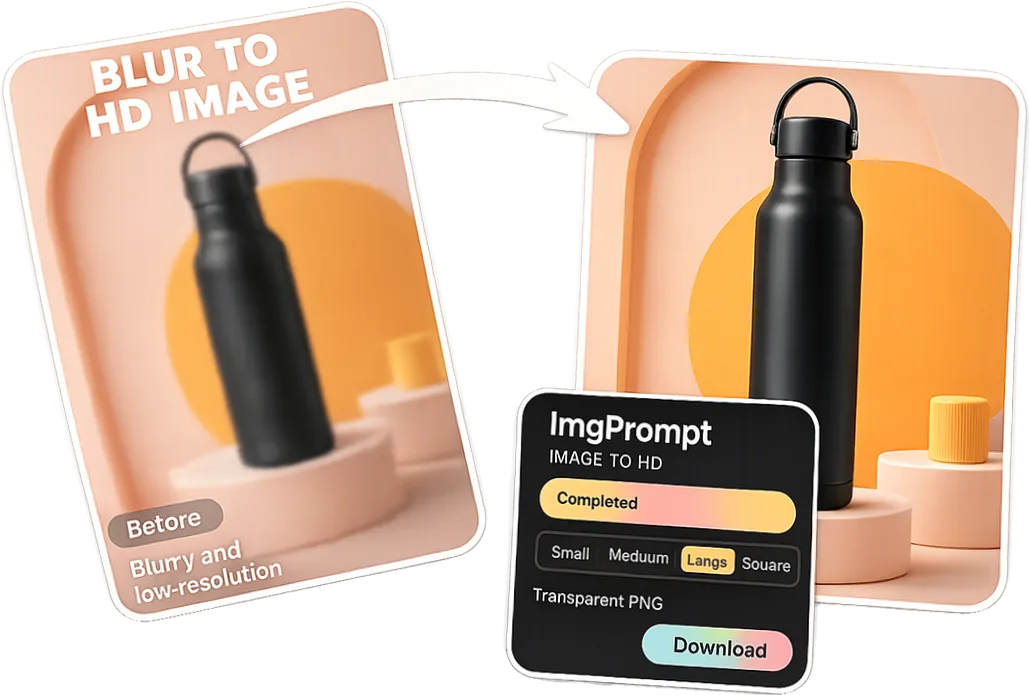
AI Product Image Enhancer
LoomaDesign helps ecommerce teams turn weak or legacy product photos into cleaner source assets before they build listing galleries, lifestyle images, and A+ modules.
Quick answer
Use Looma when a product image is almost usable but needs cleanup, clarity, sharper details, or a stronger source version before the team creates Amazon listing images or broader PDP visuals.
Use cases
Where this helps ecommerce teams fastest
Clean older catalog images before refreshing PDPs and A+ content.
Prepare better source images for lifestyle, model, and listing workflows.
Workflow
A clearer path from product input to usable output
Step 1
Start with the real product photo
Upload the best available product image, even if it still needs cleanup, sharpening, or a more polished presentation.
Step 2
Enhance for clarity and trust
Use the enhancer to improve the asset while keeping the product shape, color, label, and material believable.
Step 3
Move into the next content job
Use the improved image as the input for listing images, lifestyle scenes, A+ modules, or other ecommerce visual workflows.
Why Looma
What buyers need to understand before they try the tool
When image enhancement should come first
Many ecommerce teams jump straight into scene generation when the real blocker is source-image quality.
- Use enhancement first when supplier photos look flat, soft, or inconsistent.
- Use it before creating lifestyle scenes if the product edges or labels need cleanup.
- Use it before A+ content when the existing image library is not strong enough for richer modules.
What a good enhancement should protect
A product image enhancer should make the real product easier to trust, not invent a different product.
- Preserve shape, material, color, packaging, labels, and functional details.
- Improve sharpness and presentation without making the image look artificial.
- Keep the output useful at listing size, not only impressive when zoomed in.
How this connects to the Looma content cluster
Image enhancement is often the first step before higher-value ecommerce content work.
- Use enhanced images as inputs for Amazon listing image workflows.
- Use cleaner product assets before generating lifestyle scenes or model imagery.
- Use the improved source image to support stronger Amazon A+ Content AI outputs.
FAQ
Questions buyers usually ask before they click in
Related resources
Continue into the Looma content cluster
Buyer GuideBlog
Best AI Image Enhancer for Amazon Listing Photos: What Sellers Should Check
A practical buyer guide for sellers comparing AI image enhancers for Amazon listing photos and A+ support visuals.
Open resource
Retouching GuideBlog
AI Product Photo Retouching Tools for Ecommerce: What Actually Matters
A practical guide for ecommerce teams evaluating AI product photo retouching tools before they commit to a workflow.
Open resource
Listing Image GuideBlog
Amazon Listing Image Generator for the 7-Image Stack
A slot-by-slot guide for sellers using AI to build Amazon listing images without repeating the same product angle across the entire gallery.
Open resource
Next Visual WorkflowSolution
Amazon Lifestyle Image Generator
Turn plain product photos into cleaner lifestyle visuals for Amazon, Shopify, and marketplace listings with LoomaDesign’s AI scene workflow.
Open resource