
Amazon Listing Image Generator for the 7-Image Stack
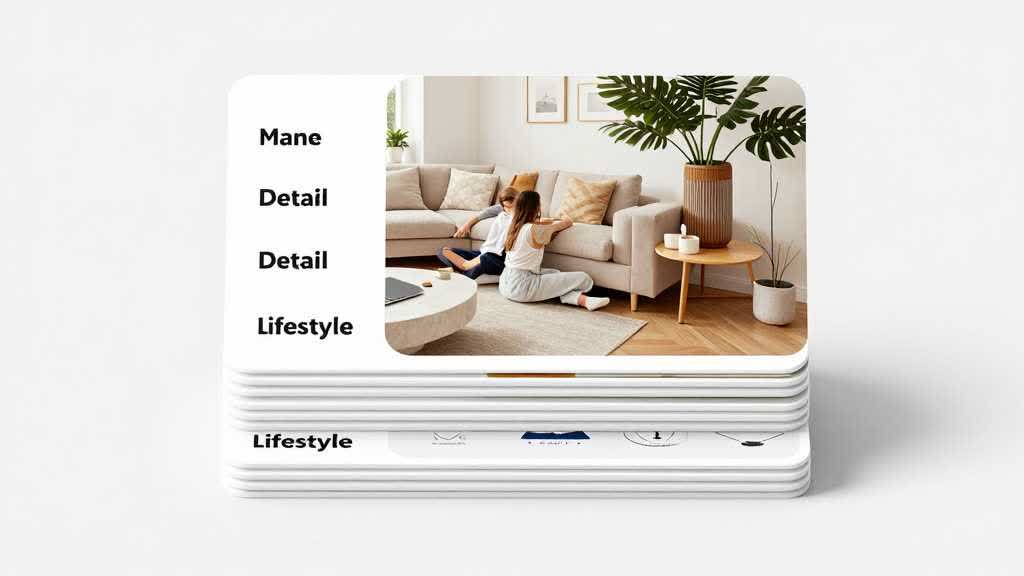
An Amazon listing image generator should give each gallery slot a separate job. A useful Amazon image stack identifies the product, shows scale, explains a feature, proves use context, reduces comparison friction, clarifies packaging, and supports the A+ section below.
This is narrower than a general AI Product Image Generator for Ecommerce. That page covers the full ecommerce asset system. This page is only about the Amazon gallery and what each image slot should do.
Quick Answer
Use an Amazon listing image generator to build a complete 7-image stack, not isolated pretty images. Start with a compliant main image, then add a scale image, feature callout, lifestyle use case, comparison image, package or contents image, and one image that prepares the shopper for A+ Content. Review every image for product accuracy, mobile readability, and duplicate message risk.
Slot 1: Main Image
The main image has one job: make the product instantly identifiable and clickable. Keep lifestyle props, dense text, decorative claims, and confusing compositions out of this slot.
For AI workflows, the main image is usually the least creative slot. Use generation or enhancement to clean edges, improve sharpness, correct color, and preserve the actual SKU. Reject any output that changes shape, material, color, pack count, or included accessories.
Slot 2: Scale Image
Scale is a common source of returns and hesitation. A scale image should help shoppers understand size, hand feel, room fit, or package footprint.
Good scale images depend on category. A kitchen product may need countertop context. A beauty product may need hand scale and bottle size. An electronics accessory may need device compatibility context. A pet product may need animal size reference.
The scale image should answer: "Will this be the size I expect?"
Slot 3: Feature Callout
Feature callouts are where many AI-generated Amazon images become cluttered. Keep one feature per image. Five badges usually make the shopper work harder.
Use this slot for a visible product detail: material, handle, connector, filter, texture, closure, button, nozzle, stitching, capacity, or packaging feature. If the feature is not visible or provable, keep it out of the graphic claim.
Slot 4: Lifestyle Use Case
The lifestyle slot should show the product in a believable buying context. It is not the same as a generic lifestyle scene for ads. On Amazon, the lifestyle image should still sell the exact product and reduce a specific buyer doubt.
For example:
- home product: where it sits and how much space it takes
- beauty product: when it is used in a routine
- electronics accessory: which device or setup it supports
- fitness product: body position, grip, or environment
- apparel accessory: styling context and scale
If the lifestyle scene hides the product, the gallery needs a clearer version.
Slot 5: Comparison or Variant Image
Use one image to reduce choice confusion. This can compare variants, sizes, bundle contents, use cases, or product tiers.
The comparison image should be simple enough to read on a phone. If the chart needs tiny text, move that detail to A+ Content or a clearer secondary module.
Slot 6: Package, Contents, or Setup
Many buyers want to know what arrives in the box. This slot can show included accessories, packaging, setup sequence, or assembly expectation.
This is especially useful for electronics, home goods, kits, bundles, beauty sets, supplements, tools, and products where missing parts create support tickets.
Slot 7: A+ Handoff Image
The final gallery image can prepare the shopper for deeper explanation below. Use it to summarize the product promise or point toward the biggest proof topic that A+ will expand.
This keeps the gallery and A+ section connected without making them duplicates.
Review for Duplicate Message Risk
Before publishing, put all seven images on one board and label the job of each image. If two images have the same job, replace one.
Use this quick check:
| Image job | Pass condition |
|---|---|
| main image | product is clear without reading text |
| scale | size or context is obvious |
| feature | one visible feature is explained |
| lifestyle | product remains central in the scene |
| comparison | shopper can choose faster |
| contents | box or setup is clarified |
| A+ handoff | next question is prepared, not repeated |
Build the Listing Stack in LoomaDesign
LoomaDesign helps sellers create and clean the image assets needed for this stack. Use AI Product Image Enhancer for sharper source photos, Amazon Lifestyle Image Generator for Amazon-specific use scenes, and Amazon PDP Best Practices for the full PDP plan.
FAQ
How many images should an Amazon listing have? Many listings use up to a 7-image gallery, but quality matters more than filling every slot. Each image should answer a different buyer question.
Can AI create Amazon listing images? Yes, but each output must be checked for product accuracy, compliance, readability, and whether it has a unique job in the gallery.
Should Amazon listing images include text? Secondary images can use short text when it improves understanding. Keep it readable on mobile and avoid unsupported claims.
What is the biggest mistake with Amazon image generators? Creating multiple attractive images that all communicate the same message. The gallery needs a sequence, not repetitions.