
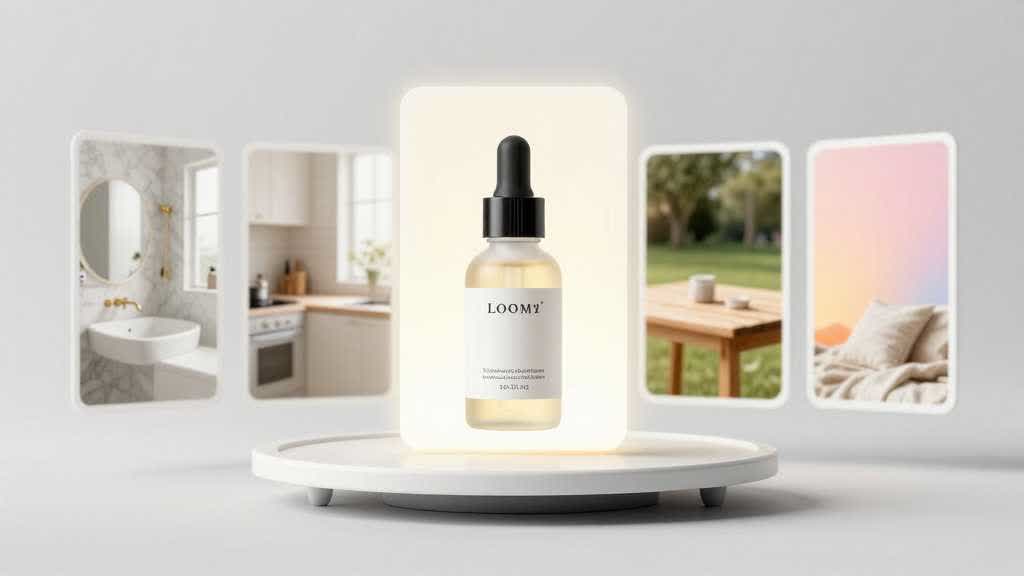
Looma has expanded ecommerce scene presets to help teams create more useful product-context visuals with less setup time.
The goal is not to generate more decorative backgrounds. The goal is to give sellers faster ways to show product use, scale, environment, and buyer fit.
What Changed
The expanded presets give teams more starting points for product scenes across daily use, lifestyle context, seasonal campaigns, and product detail page support.
Why It Matters
Many ecommerce teams know they need better visuals but get stuck choosing a direction. Presets reduce that blank-page problem by giving the team a structured visual starting point.
How to Use Scene Presets Well
- Choose a preset based on the buyer question, not only visual style.
- Keep the product central and accurate.
- Use simple scenes when clarity matters more than mood.
- Review images at thumbnail size before publishing.
Where This Connects to Looma
The update supports Looma's Product Scene Image workflow for ecommerce sellers who need product visuals faster. It also supports A+ workflows when scene visuals need to connect to a broader product story.
Example Workflow for Product Scenes
A catalog team can choose one scene preset for the main use case, one for scale, and one for seasonal merchandising. That gives the team useful variation without making every image feel unrelated. The review rule is simple: each scene should explain something about the product that a plain packshot cannot.
How Teams Can Apply This Update
A seller can use the expanded preset library by building a small visual system: one preset for everyday use, one for seasonal campaigns, one for product detail closeups, and one for ad testing. That keeps image creation flexible without making every output feel unrelated.
For a more complete visual workflow, pair scene presets with the Amazon lifestyle image generator and the ecommerce scene presets guide.
AI-Ready Takeaway
Scene presets become valuable when they translate product context into a faster, repeatable visual workflow. The best presets make the product easier to understand, not just nicer to look at.