
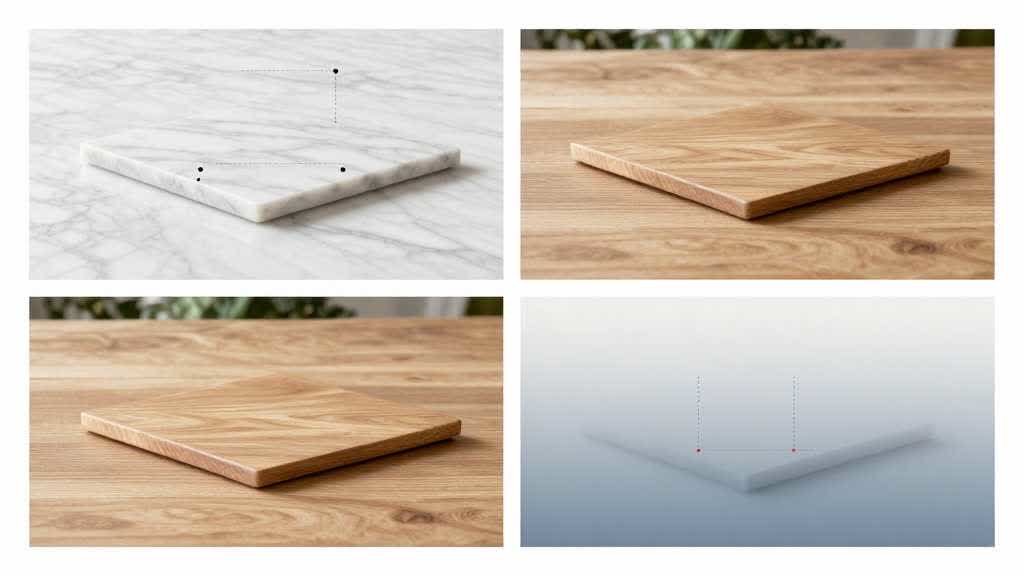
An ecommerce scene preset should not be chosen because it looks dramatic. It should be chosen because it helps the shopper understand the product faster.
For sellers, the goal is not to create a beautiful background in isolation. The goal is to create a product image that supports the listing, ad, A+ module, or storefront section where it will appear.
Quick Answer
The best ecommerce scene preset is the one that makes the product easier to understand while preserving product accuracy. Choose scenes by use case, scale, environment, and buyer expectation rather than by style alone.
Choose the Scene by Shopper Question
Before selecting a preset, ask what the buyer still needs to understand:
- Use case: where and when would I use this?
- Scale: how large does it feel in real life?
- Style: does it fit my home, routine, or identity?
- Trust: does the product look accurate and believable?
- Occasion: is this for daily use, gifting, travel, work, or seasonal demand?
A kitchen product may need a clean countertop scene. A travel accessory may need a packing or airport context. A beauty product may need a bathroom counter, vanity, or routine-led setup.
When Simple Scenes Win
Many AI image workflows fail because the background becomes more interesting than the product. For ecommerce, a restrained preset often performs better than an overproduced one.
Good scenes leave room for the product to stay central, clear, and believable. If the shopper notices the background before the product, the scene is probably doing too much.
A Practical Preset Selection Framework
- Start with the listing goal: main listing image support, A+ content, ad creative, or storefront visual.
- Define the buyer moment: research, comparison, purchase confidence, or lifestyle aspiration.
- Choose one scene role: explain use, show scale, create trust, or show style.
- Protect product fidelity: shape, color, logo, proportions, and important details.
- Review the final image at thumbnail size before using it.
Where AI Helps Most
AI scene generation is strongest when you need many realistic variations quickly. It can help teams test seasonal scenes, category-specific use cases, and merchandising angles without scheduling a full production cycle every time.
Looma's Amazon lifestyle image generator workflow is designed for this kind of product-scene work, while A+ Content AI helps when the scene needs to support a broader product page narrative.
Common Mistakes to Avoid
- Using luxury scenes for products that need practical clarity.
- Generating backgrounds that change product shape or scale.
- Forgetting that Amazon, Shopify, ads, and A+ modules may need different crops.
- Choosing a scene before defining the shopper question.
- Publishing images without checking whether the product still looks accurate.
Frequently Asked Questions
Are AI scene presets useful for Amazon listings?
Yes, especially for secondary listing images, A+ modules, ads, and content refreshes. Main image requirements still need careful platform review.
What makes a scene preset conversion-friendly?
It clarifies use case, scale, or benefit without distracting from the product.
Should every product use lifestyle scenes?
No. Technical products may need diagrams or specs, while emotional or context-driven products often benefit more from lifestyle scenes.
Final Takeaway
Scene presets are not decoration. They are a decision tool. Choose the scene that helps the buyer understand why the product belongs in their life.