
Amazon A+ Content Dimensions: 2026 Mobile Checklist
Sellers searching for Amazon A+ Content dimensions usually want a number before they design. The safer answer is a production brief. Seller Central controls the final module requirement, and that upload screen can vary by module type and account context. The work before upload should protect the buyer-facing parts of the image: product scale, label clarity, text length, crop safety, and claim support.
Use this checklist to plan A+ modules before generation or design. It keeps the dimensions question tied to the actual SKU instead of turning the page into a fragile size table.
Quick Answer
Amazon A+ Content dimensions should be planned around module type, safe crop area, mobile readability, product category, and claim support. Use common working sizes for layout planning, then confirm the exact upload requirement inside Seller Central before export.
A strong A+ module set keeps every image readable after compression, ties every claim to product facts, and keeps category-specific details visible on desktop and mobile. In LoomaDesign, the dimensions check belongs before image generation: choose the module job, set the crop and text limits, generate the A+ visual, then reject any draft that changes the SKU or fails phone-width review.
Use Working Sizes as Planning Inputs
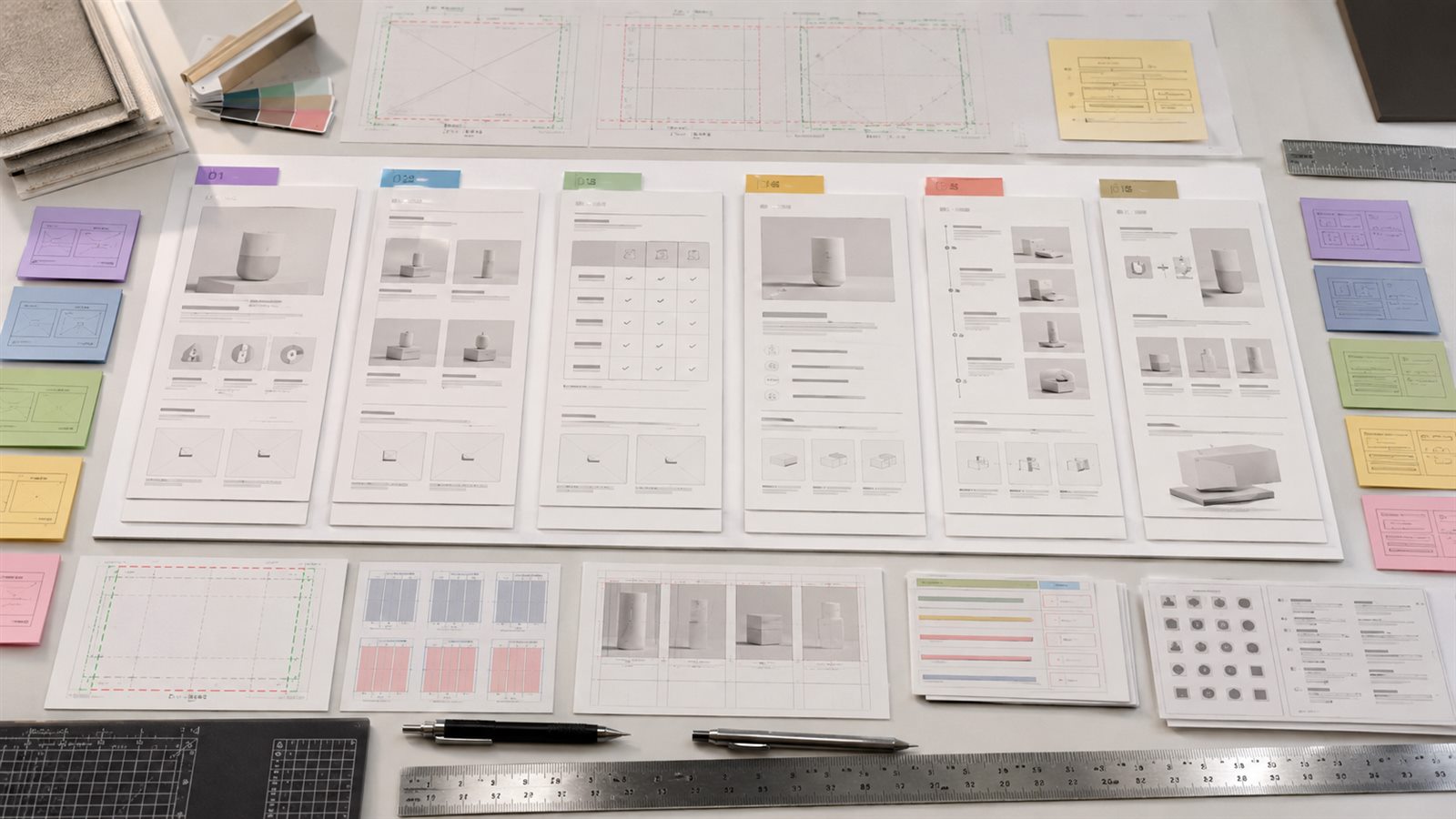
Many teams prepare around common A+ working sizes before uploading. These sizes are useful for design planning, but Seller Central should remain the final source because available modules and requirements can vary by content type and account context.
Use the table below as a planning aid, not as a substitute for the upload screen.
| Module type | Common working size | Production risk |
|---|---|---|
| Brand logo | 600 x 180 px | tiny taglines become unreadable |
| Header with image and text | 970 x 600 px | product edge or headline gets cropped on mobile |
| Three-image feature module | 300 x 300 px each | feature order becomes confusing when stacked |
| Comparison chart product image | 150 x 300 px | product silhouette and label are too small |
| Premium full-width image | 1464 x 600 px | desktop layout looks strong, mobile crop weakens the message |
The working size is only the container. The module still needs one product point, one visual job, and one mobile-readable message. If the design needs four labels, a paragraph of copy, and a tiny product diagram in one image, the problem is not the upload size. The module is trying to do too much.
Write a Dimension Brief Before Designing
A dimension brief tells the designer or AI workflow what the module must preserve. Use it before opening a design canvas or generating an A+ visual.
| Brief field | What to decide | Reject the draft when |
|---|---|---|
| Module job | hero proof, feature grid, comparison, specs, setup, or bundle | the module covers several unrelated claims |
| Primary crop | product closeup, scene, flat lay, diagram, or chart | the product becomes too small to inspect on mobile |
| Text budget | headline length, caption length, label count | shoppers need to zoom to read the message |
| SKU guardrail | color, shape, label, parts, quantity, scale | the generated asset changes any product detail |
| Safe zone | product edge, label, port, ingredient, measurement | important details sit too close to the crop edge |
| Claim source | spec, packaging, test note, warranty, ingredient, or manual | the module states a stronger claim than the source supports |
This is where Amazon A+ Content AI should connect to the dimensions task. The seller should not ask for a banner first. The seller should define the module job, crop risk, copy limit, and review rule, then generate the visual around those constraints.
Mobile Readability Is the Real Failure Point
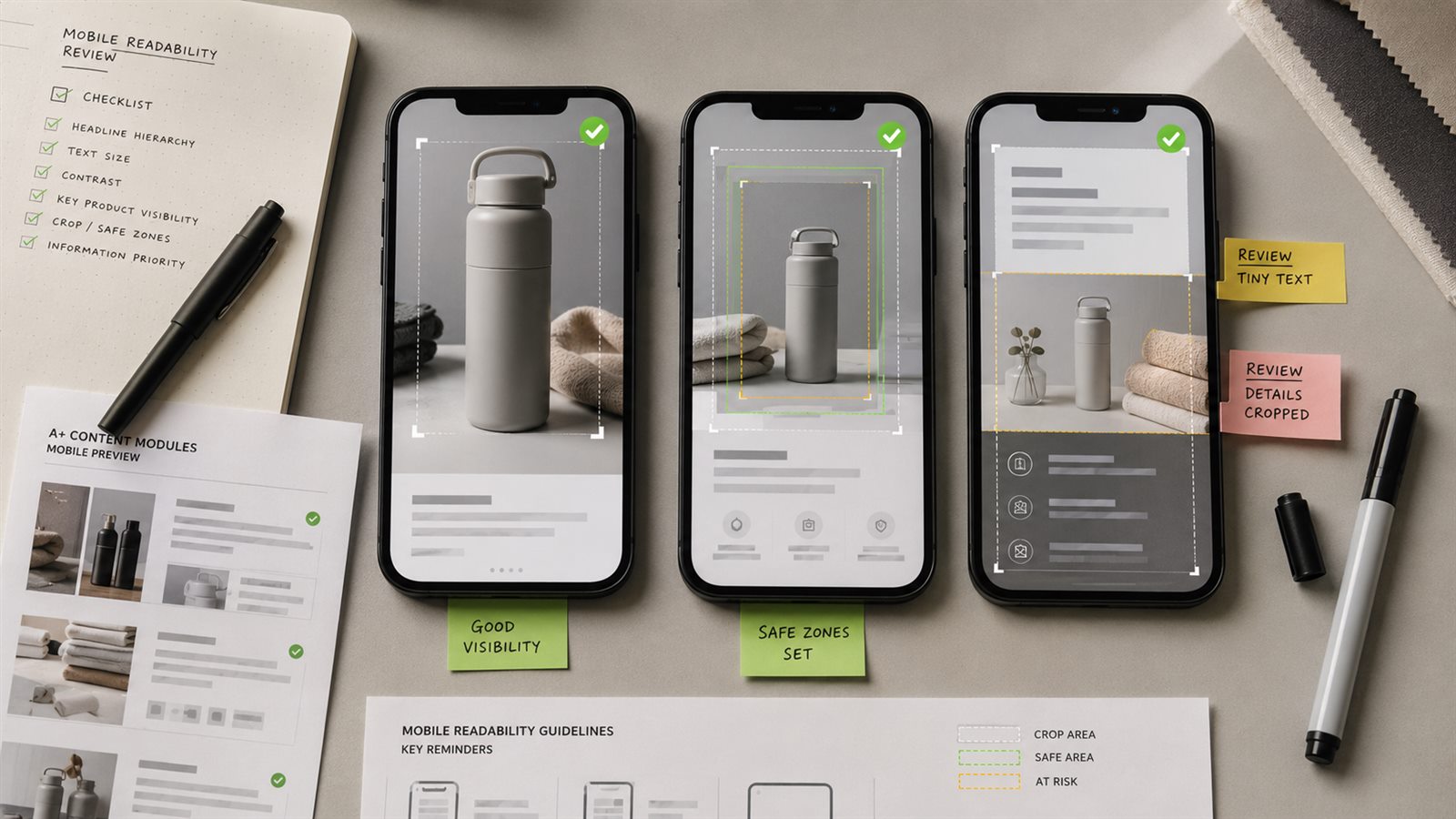
Seller production issues can sound like file-format questions. In practice, many A+ modules fail because the design is too dense: small text inside an image, too many icons, low-contrast labels, fine specification tables, or important product details placed too close to the crop edge.
The safest mobile rule is simple. If the module needs a buyer to zoom, the module is not ready. Put long copy in text areas where possible, keep image text short, and keep product labels or ports large enough to inspect.
Before approving any A+ image, review it at three levels:
- thumbnail scan, where the shopper should understand the topic in two seconds
- standard phone width, where the headline and product stay readable
- live PDP flow, where the module still makes sense beside the other sections
The mobile check should happen before export, not after upload. A module can pass Seller Central and still fail the shopper if the headline shrinks, the crop hides the product, or the comparison chart turns into a grid of tiny cells.
Category Rules Make the Checklist More Useful
A generic dimension checklist can keep files technically valid, but it leaves sellers guessing what to show. Category rules make the page more useful because each product type has different buyer doubts.
For each category, the module should protect the detail buyers inspect before purchase.
| Category | A+ visuals should emphasize | A+ visual risk |
|---|---|---|
| Skincare and beauty | routine order, texture, bottle size, ingredient context, packaging trust | overpromising results, unreadable label text, unrealistic skin visuals |
| Electronics accessories | compatibility, ports, cable length, setup, included parts | invented ports, confusing device fit, tiny technical labels |
| Home and kitchen | scale, material, cleaning, storage, countertop fit | misleading size, cluttered lifestyle scenes, weak material proof |
| Apparel and soft goods | fabric, fit, measurement, color variants, care | color drift, model distortion, unreadable size guidance |
| Supplements and packaged goods | package clarity, usage context, count, flavor or variant | medical implication, label blur, unsupported benefit wording |
This is where A+ dimensions connect to product-image work. A beauty product may need a clean bottle closeup plus a routine module. An electronics accessory may need a port diagram and a compatibility chart. A kitchen product may need scale and cleaning context before a dramatic hero banner.
Use the category rule to choose what deserves space. The module dimension does not decide the message. The buyer doubt decides the message, and the dimension decides how much of that message can fit.
Build a Safe Zone Before Designing
When a module combines image, headline, icon, and product detail, leave empty space around the product and keep important content away from the edges. A technically correct asset can still fail if the mobile crop cuts off the product, makes text too small, or hides the point of the module.
Use this safe-zone rule before opening the design tool:
- one dominant product or scene
- one short headline
- one supporting phrase at most
- no small legal or specification text baked into the image
- no important label, port, measurement, or ingredient near the crop edge
If the module needs more explanation, move that detail into adjacent copy or a separate module. Tiny text inside the image weakens the module on mobile.
Match Module Type to the Risk
Use the smallest module that can carry the proof. A wide hero image can establish one reason to believe, but it is a poor place for a dense compatibility table. A comparison chart can help shoppers choose, but it can fail when every row becomes a sentence.
| Risk | Better module choice | Dimension note |
|---|---|---|
| Buyer cannot judge size | scale or specs module | leave room for object reference and measurement text |
| Buyer cannot choose variant | comparison chart | keep rows short and values scannable |
| Buyer doubts material | closeup or feature proof grid | crop close enough to show texture without changing color |
| Buyer worries about setup | setup sequence | use 3 to 5 steps, not a long instruction poster |
| Buyer needs package contents | bundle flat lay | show only included items with readable labels |
| Buyer doubts a claim | proof module | show the proof source or visible product evidence |
This section is the page's main job. The broader A+ workflow article can cover the full process. This dimensions page should help the seller decide what can fit, what should be split, and what must stay readable.
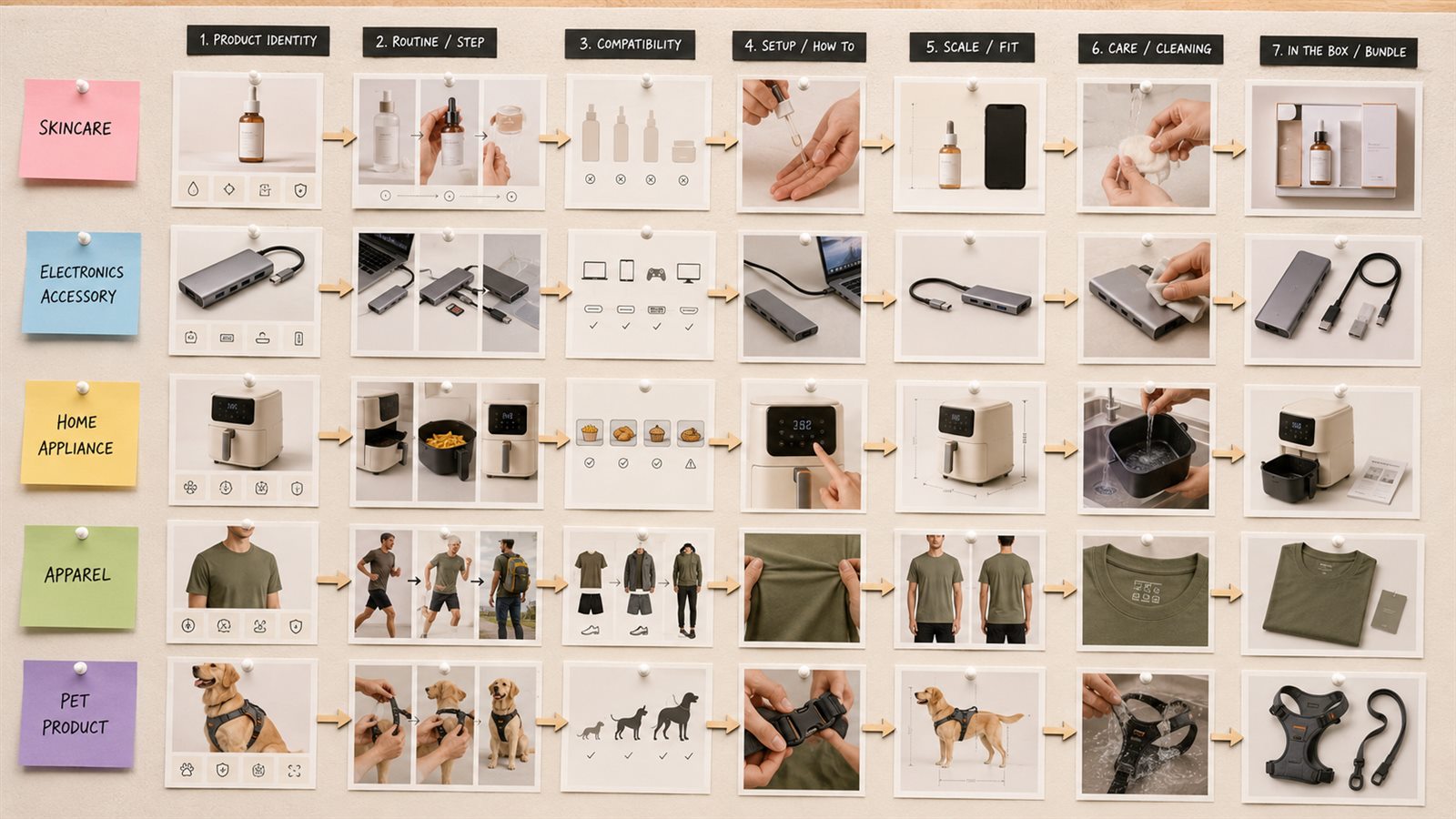
A Better Module Sequence by Product Type
Many A+ pages repeat the same general structure: hero, feature grid, lifestyle image, comparison chart. That can work, but it feels generic when every module answers the same broad claim. A better sequence starts from the category question.
Use these starting points:
| Product type | Strong first modules |
|---|---|
| Skincare | product identity, routine step, texture or ingredient context, usage caution |
| Electronics accessory | compatibility, setup, port/detail closeup, included parts |
| Home appliance | capacity or power cue, use scene, cleaning steps, accessory layout |
| Apparel | fabric closeup, fit context, measurement guide, color variant review |
| Pet product | size match, owner interaction, cleaning, material safety |
This approach reduces overlap with broad A+ workflow articles. The checklist page owns the technical and category planning layer, while How to Use Amazon A+ Content AI can remain the broader process guide.
Prepare A+ Source Images in LoomaDesign
LoomaDesign helps before the A+ layout stage by improving the source product image, creating category-appropriate scenes, and keeping assets tied to the SKU. A+ design problems can begin with weak images before the module layout is even chosen.
For a practical sequence, start with AI product image enhancement when the source file is soft, use Amazon Lifestyle Image Generator when the module needs scene context, and use Amazon A+ Content AI when the seller needs module visuals built around product facts, buyer doubts, and mobile review. The Amazon A+ Content AI templates page helps choose the module job before copy or image generation.
Export QA Checklist
Run this check before the final upload:
- the file matches the module requirement shown in Seller Central
- the product remains visible and accurate at mobile width
- the headline fits without shrinking into unreadable text
- no label, port, ingredient, measurement, or included part sits near the crop edge
- comparison chart values use short entries, not full sentences
- feature grids show different proof points instead of repeated claims
- lifestyle scenes keep the product inspectable
- generated images preserve SKU color, shape, material, label, and package contents
- each claim can be traced to a product record, packaging, test note, or approved source
- the module adds proof the gallery does not already carry
FAQ
Are Amazon A+ Content dimensions enough to start designing? No. Dimensions prevent some technical problems, but the module still needs a clear shopper question, category-specific visual standard, mobile readability check, and claim review.
Why do A+ modules look weak after upload? Common causes include dense image text, poor contrast, wrong module fit, weak source images, cramped crops, and approving the editor preview without checking the live PDP.
Should sellers design only at minimum required size? Usually no. Start with clean source assets, design with safe crop space, and export to the module requirement after checking mobile readability.
How many A+ modules should a seller use first? Start with the modules that answer the biggest buyer doubts. More modules are useful only when each one adds proof, context, comparison, or clarity.
Can LoomaDesign generate A+ images to a specific module size? Use LoomaDesign to generate the product visual around the module brief, then confirm the exact export requirement in Seller Central. The final upload requirement should control the export, while the LoomaDesign brief controls SKU accuracy and visual proof.