
Amazon A+ Content AI Templates: 10 Reusable Modules
Amazon A+ Content AI templates should work like production briefs, not like reusable paragraphs. A strong template tells the team which buyer doubt the module must answer, which product facts are allowed, what visual proof belongs in the image, and what a reviewer should reject before anything goes into Seller Central.
That makes templates different from prompts. A prompt writes or rewrites copy inside a chosen module. A template helps the seller choose the module job first, so the A+ page does not become a stack of attractive but repetitive banners.
Quick Answer
Amazon A+ Content AI templates are reusable module briefs for turning verified product facts into A+ sections. Use them before copy generation:
- collect the product truth sheet
- choose the buyer doubt the module must remove
- pick the matching module template
- generate copy and visual direction from that template
- review SKU accuracy, claim support, and mobile readability
In LoomaDesign, this template step sits before image generation. Start with the product photo and product facts, choose the A+ module job, generate the visual draft, then review whether the module preserves the SKU and answers the buyer question. The Amazon A+ Content AI feature is the hub for that workflow, while the A+ prompt library handles copy execution after the module has a clear job.
Start With a Product Truth Sheet
Templates fail when the input is thin. Before generating any module, collect the facts that the AI is allowed to use and the details it must preserve.
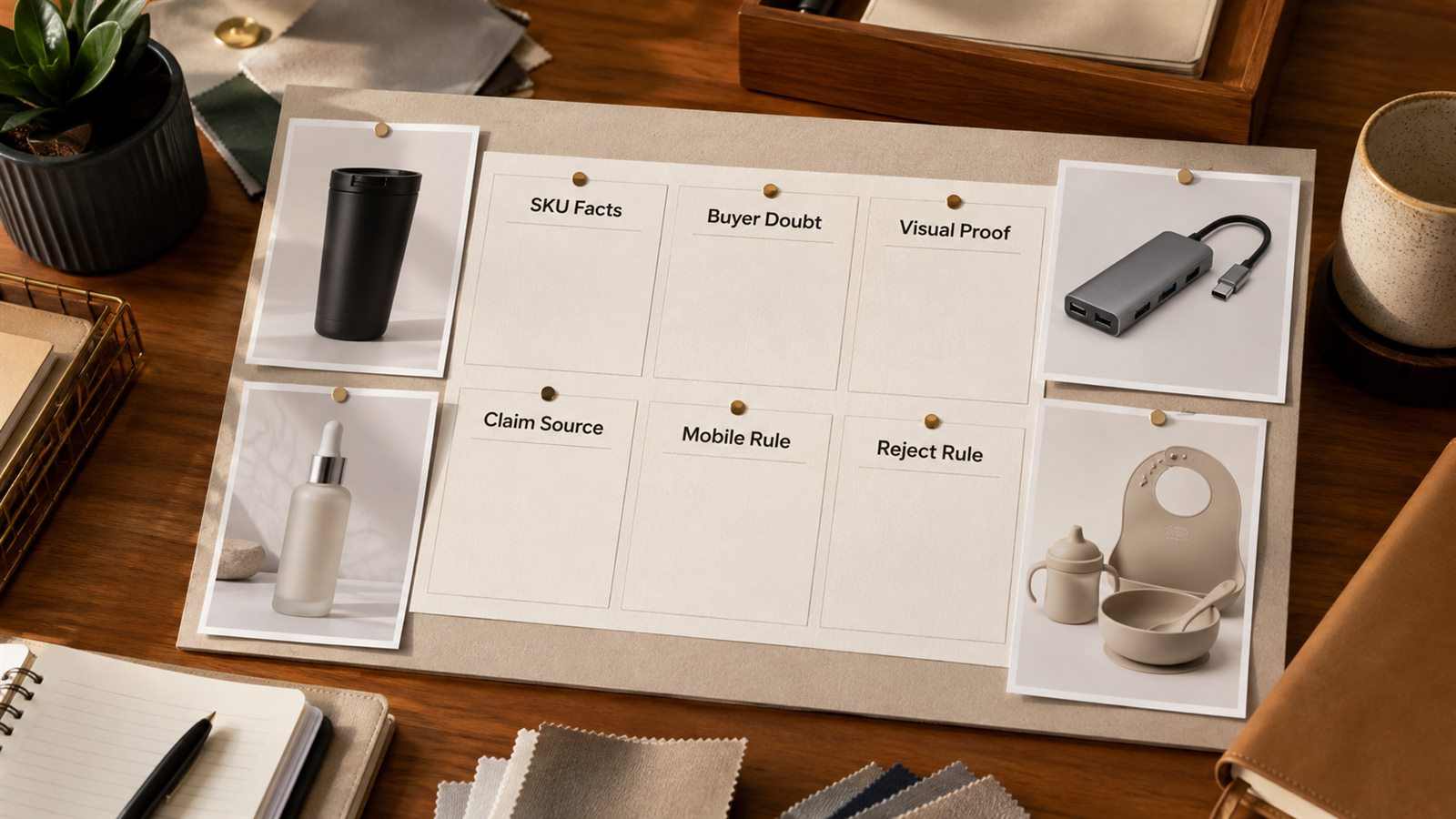
| Input | Required detail | Reject output when |
|---|---|---|
| SKU identity | product name, variant, color, size, material, bundle contents | the generated image changes shape, color, parts, label, or included items |
| Buyer doubt | the question that may stop purchase | the module talks about several benefits without answering one doubt |
| Visual proof | photo angle, closeup, diagram, lifestyle scene, comparison, or scale reference | the claim cannot be seen or supported by the visual |
| Claim source | spec sheet, packaging, test note, ingredient list, warranty, or support policy | the copy invents performance, medical, safety, or compatibility claims |
| Placement | hero, feature grid, comparison chart, specs block, setup sequence, or Brand Story | the copy is too long for the selected module |
| Mobile rule | maximum headline length, text block length, crop risk, and safe zone | the module only works at desktop size |
This truth sheet is where LoomaDesign's advantage should show up. The goal is not more generated text. The goal is a faster path from real product facts to SKU-safe visual modules.
Choose the Template by Buyer Doubt
Do not choose a template because it looks good. Choose it because the shopper has a decision problem.
| Buyer doubt | Best template | Visual proof |
|---|---|---|
| Why should I trust this brand? | Brand trust module | founder story, manufacturing detail, review-safe trust signal |
| What makes this SKU different? | Feature proof grid | closeups, diagrams, material callouts |
| Which version should I buy? | Comparison chart | variants, sizes, formulas, bundles, compatibility |
| Will it fit my use case? | Use-case scene module | lifestyle scene, scale cue, environment context |
| Is the size or setup clear? | Specs and setup module | dimensions, parts, installation sequence |
| Is the claim believable? | Proof module | visible evidence, specs, certification, testing note |
| What comes in the box? | Bundle or kit module | flat lay, labeled components, package contents |
| Is it premium enough for the price? | Premium sequence | hero proof, detail closeups, comparison, reassurance |
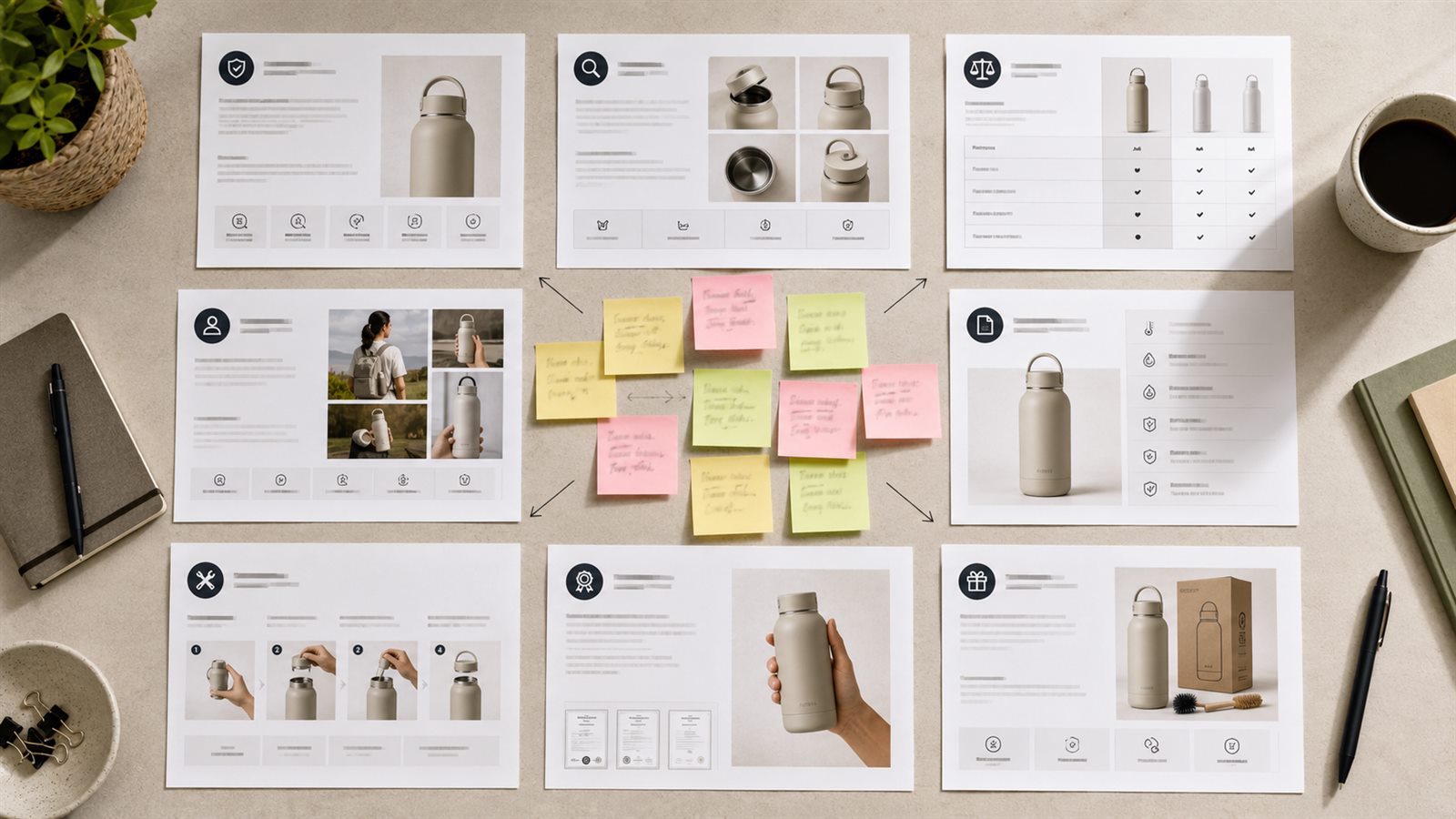
This is where templates reduce homogeneity. Two products can use the same A+ module type, but they should not answer the same buyer doubt with the same proof.
Template 1: Brand Trust Module
Use this when brand credibility affects the purchase: premium consumables, founder-led brands, design-led goods, craftsmanship, sustainability, or products where the seller needs more trust than a bullet list can provide.
Module job: explain why the brand can be trusted for this specific product.
Production brief:
- headline under 8 words
- one brand promise tied to the product
- one concrete trust signal
- one visual: founder workspace, material source, process detail, packaging line, or product family
- reject if the copy could fit any brand in the category
Weak version: "Quality You Can Trust."
Better version: "Built Around Leak-Free Travel" with a product-family image, gasket detail, and a short line about the tested lid design.
Template 2: Feature Proof Grid
Use this when the product has three or four concrete differentiators that can be shown visually.
Module job: turn features into buyer proof without repeating the bullet section.
Production brief:
- 3 to 4 feature tiles
- each tile has one product fact, one buyer benefit, and one visual cue
- no repeated benefit language
- no feature without a visible or documented support point
- reject if every tile says some version of easy, durable, premium, or convenient
For a travel backpack, the tiles might cover carry-on fit, laptop protection, water-resistant fabric, and hidden pocket placement. Each tile needs a different image, not four lifestyle crops with different captions.
Template 3: Variant Comparison Chart
Use this for product families, size variations, bundles, formulas, colors, compatible devices, or subscription packs.
Module job: help the shopper choose the right SKU without leaving the brand's catalog.
Production brief:
- 4 to 6 rows shoppers commonly compare
- short row labels
- plain-language values
- one best-for note per variant
- reject if the table compares vague brand claims instead of purchase criteria
Good rows include size, quantity, compatibility, material, finish, routine step, age range, room size, or included parts. Bad rows include "quality," "style," and "performance" unless the seller has specific proof.
Template 4: Problem-Solution Module
Use this when the product solves a clear frustration: storage clutter, slow prep, weak lighting, messy cables, dry skin, pet hair, uncomfortable fit, or confusing setup.
Module job: show the before-state friction and the practical change the product creates.
Production brief:
- one buyer problem in plain language
- one product mechanism that solves it
- one visual before/after or problem/result split
- one support detail from the product record
- reject if the module exaggerates the result or turns into a broad lifestyle promise
Template 5: Usage Scenario Module
Use this for products that become easier to understand in context: kitchen tools, travel accessories, beauty routines, fitness gear, pet products, office items, and home organization.
Module job: help the buyer imagine use without losing product clarity.
Production brief:
- 2 to 4 scenarios
- each scenario has a buyer situation, product placement, and one benefit
- product remains visible and accurate
- scene does not imply unsupported scale, waterproofing, heat resistance, medical benefit, or safety use
- reject if the image is pretty but the product is hard to inspect
Template 6: Technical Specs Module
Use this for electronics, tools, accessories, replacement parts, appliances, and products where exact dimensions or compatibility affect returns.
Module job: reduce uncertainty before purchase.
Production brief:
- dimensions, weight, capacity, material, power, compatibility, included parts, or care notes
- simple diagram or labeled closeup
- short copy blocks that remain readable on mobile
- reject if numbers conflict with the product record or labels become unreadable after resizing
The Amazon A+ Content dimensions checklist should be used with this template because spec-heavy modules are easy to break on mobile.
Template 7: Setup or Care Sequence
Use this when buyers worry about assembly, cleaning, refills, installation, maintenance, charging, pairing, or storage.
Module job: make first use feel manageable.
Production brief:
- 3 to 5 steps
- each step has one action and one image cue
- include tools, parts, timing, or care limits only if verified
- reject if the sequence hides a required step or invents ease claims
For a wall shelf, the sequence might show measure, mark, mount brackets, place shelf, and check level. For a skincare refill, it might show open, refill, seal, and store.
Template 8: Claim Proof Module
Use this when the product depends on a claim shoppers may question: capacity, battery life, ingredient quality, material grade, compatibility, suction strength, odor control, absorbency, or durability.
Module job: keep the claim proportional to the evidence.
Production brief:
- one claim
- one proof source
- one visual proof or detail closeup
- one buyer-relevant implication
- reject if the module states a stronger claim than the evidence supports
This template is especially important for categories where unsupported claims can create compliance risk. LoomaDesign can speed up visual drafting, but the seller still needs final claim review against Amazon guidance and product records.
Template 9: Bundle or Kit Template
Use this for starter kits, multipacks, gift sets, replacement packs, and product bundles.
Module job: show what is included and why the set makes sense.
Production brief:
- flat lay or clean component layout
- labeled included parts
- use case for the full set
- when to choose the kit over a single SKU
- reject if the image adds items that are not included
This is one of the highest-risk AI templates because generated bundle images can quietly add accessories, extra quantities, or packaging that the customer will not receive.
Template 10: Premium A+ Sequence
Use this for top sellers, launches, premium products, or pages where one module is not enough to support the price.
Module job: plan the full A+ story before generating individual assets.
Production brief:
- opening hero proof
- product-in-use scene
- feature proof grid
- comparison or specs module
- trust or claim proof module
- closing reassurance
- reject if two modules answer the same buyer doubt
Premium A+ sequences need stronger sequencing. The first module should orient the shopper. The middle modules should prove the decision. The final module should remove a remaining hesitation.
Category Examples
The same template library should behave differently by category.
| Category | Template mix | SKU guardrail |
|---|---|---|
| Kitchen appliance | feature proof, setup sequence, specs, use case | capacity, heat setting, parts, cleaning limits |
| Skincare | routine sequence, claim proof, bundle, comparison | ingredient claims, texture, shade, packaging size |
| Electronics accessory | specs, compatibility chart, setup sequence, feature proof | device fit, ports, dimensions, material |
| Apparel or soft goods | use case, comparison, specs, claim proof | color, fabric, fit, stitching, care instructions |
This keeps a template library from sounding generic. The structure can repeat. The evidence cannot.
How This Differs From Prompt Libraries
Prompt libraries answer: "What should I ask AI to write?"
Template libraries answer: "Which A+ module should this product need, and what must that module prove?"
Use both, but in the right order. First choose the template and module job. Then use Amazon A+ Content AI prompts by module type to generate tighter copy inside the chosen structure.
Build Templates Into the LoomaDesign Workflow
For LoomaDesign, the practical workflow is:
- Upload or choose the product photo.
- Add the product truth sheet.
- Pick the buyer doubt and module template.
- Generate the A+ visual draft around that module job.
- Review product detail, text fit, claim support, and mobile readability.
- Reuse the approved structure across related SKUs only after changing the SKU facts.
This is the part that should separate LoomaDesign from generic AI image tools. A seller should not have to start with a blank creative brief or wait for a full agency loop to test a better A+ module. The workflow should keep generation close to product facts, platform rules, and export review.
Use How to Use Amazon A+ Content AI for the end-to-end operating flow after the template library is built.
QA Checklist Before Export
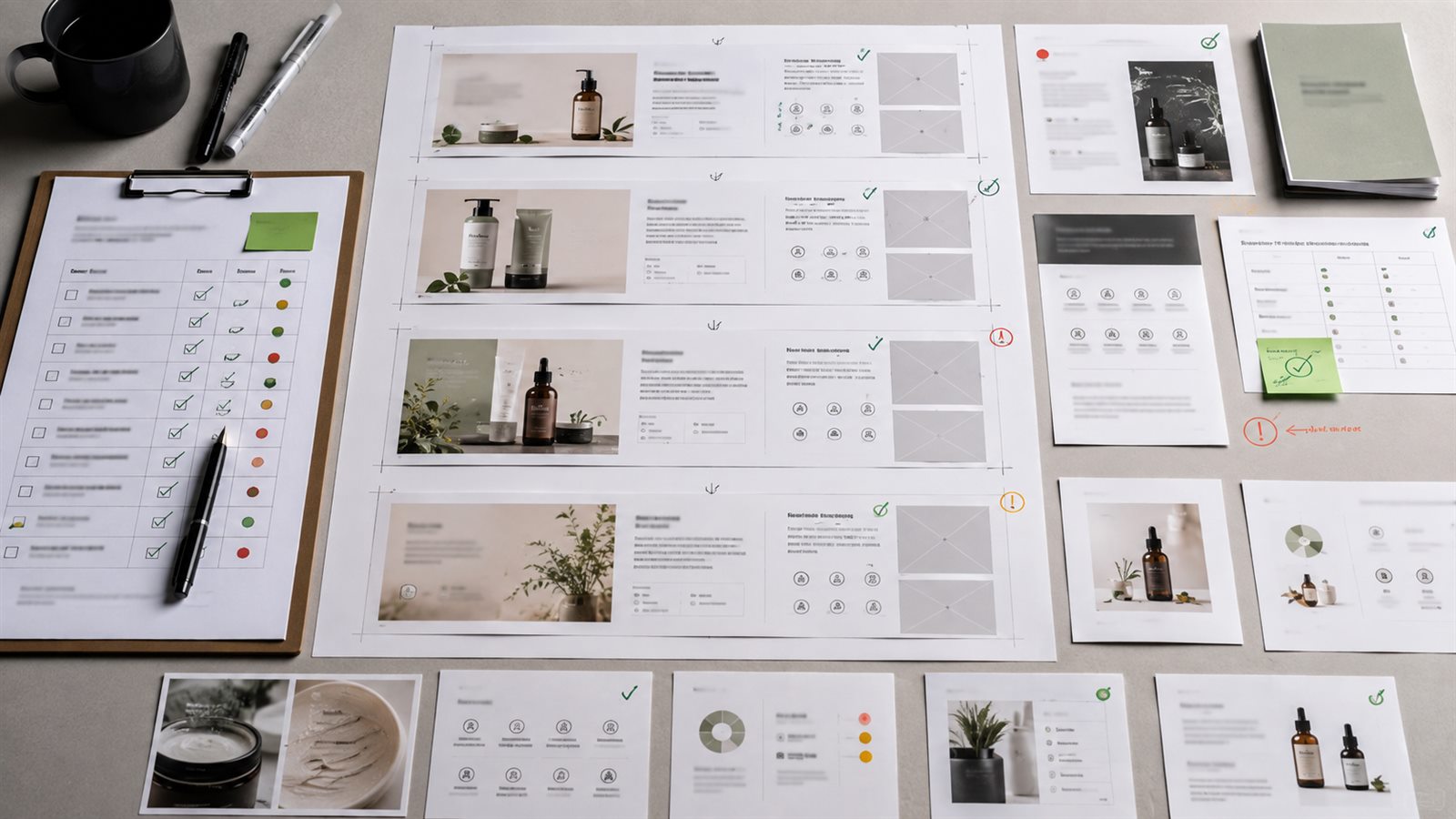
Use this review before moving a module into Amazon's A+ Content Manager:
- the module answers one buyer doubt
- every claim traces to a product fact or approved source
- the generated image preserves SKU shape, color, parts, label, and scale
- copy is short enough for the module and readable at mobile width
- comparison rows help a real purchase decision
- bundle images show only included items
- lifestyle scenes do not imply unsupported use conditions
- no module repeats the same point already made in the gallery or another A+ block
- final upload settings match Amazon's current A+ module requirements
Frequently Asked Questions
Are Amazon A+ Content AI templates better than freeform prompts?
Usually yes for planning. Templates define the module job, proof requirement, and review rule before generation. Prompts are better for producing the actual copy once the module has been chosen.
Can I use one template for every product?
You can reuse the framework, but the buyer doubt, proof point, visual cue, and SKU guardrail should change by product and category.
Which template should I start with?
Start with the buyer doubt. If shoppers need to choose between variants, use a comparison chart. If they doubt a claim, use a proof module. If they do not understand size or setup, use specs or setup modules.
Are templates useful for Premium A+ content too?
Yes. Premium A+ needs stronger sequencing because the page contains more visual decisions. Use a full sequence template so each module earns a different role.
Can I combine multiple templates on one page?
Yes. A strong A+ page can combine feature proof, comparison, use case, specs, and trust modules. The key rule is that each module must answer a different buyer question.
Related LoomaDesign Resources
When This Is the Wrong Workflow
This workflow is a poor fit when the team has no verified product facts, no clear buyer segment, or no review process for claims and visuals. AI can accelerate planning, drafting, and image generation, but it cannot replace missing product knowledge.
Use Amazon's current A+ guidance and the live Seller Central module picker as the final production reference. Template names and working dimensions can change, while the need for accurate claims, readable visuals, and clear product proof remains.