Create product ad visuals for seasonal campaigns and landing pages.

Custom Product Visual Workflow
Custom Image Generator
LoomaDesign gives ecommerce teams a flexible image workflow for product visuals that do not fit neatly into scene, model, retouching, or A+ templates.
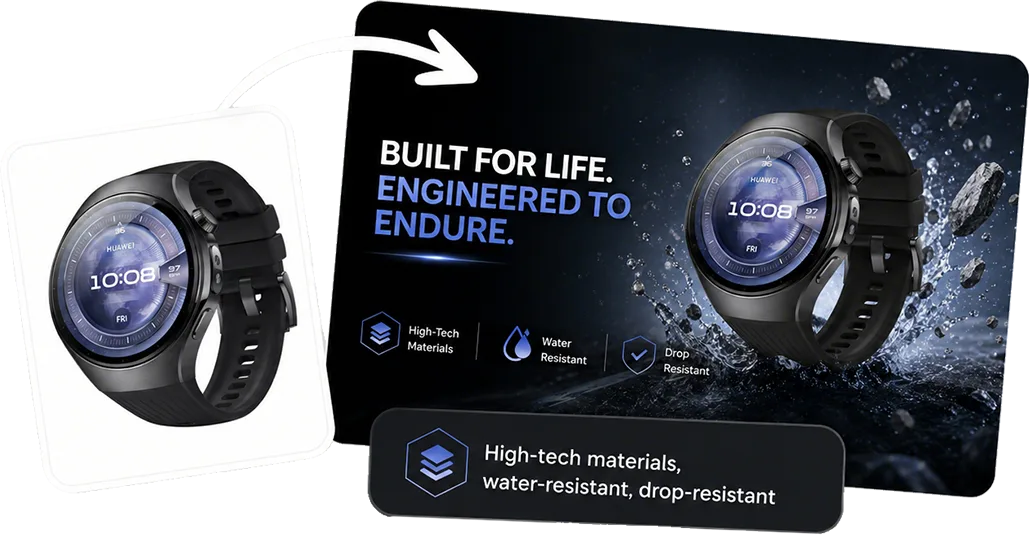
Quick answer
Use Custom Image when you need a directed ecommerce visual from your product input, with more control over the creative direction than a fixed template workflow.
Use cases
Where this helps ecommerce teams fastest
Generate directed product concepts when a fixed workflow is too narrow.
Turn one product input into more creative variants for testing.
Workflow
A clearer path from product input to usable output
Step 1
Upload the product input
Start with the product image that should remain the anchor of the custom visual.
Step 2
Describe the creative direction
Add the campaign, scene, style, perspective, or composition you want the final image to follow.
Step 3
Generate the custom image
Create a product-ready visual that can be reviewed, downloaded, or used as a starting point for another workflow.
Why Looma
What buyers need to understand before they try the tool
When a custom workflow is the right fit
Some ecommerce visuals do not belong in one narrow tool category.
- Use it when Product Scene Image is too specific for the concept.
- Use it when the output needs stronger campaign direction.
- Use it to explore creative angles before building final production assets.
What makes a good custom prompt
The best custom image prompts still start with product clarity and commercial use.
- Specify the product role, camera angle, setting, and intended channel.
- Keep key product details, labels, colors, and proportions protected.
- Avoid overloading the prompt with unrelated objects or competing visual ideas.
How teams use the output
Custom images are usually a bridge between exploration and production.
- Use them for ad concepts, landing-page tests, and product campaign directions.
- Use successful outputs as references for follow-up editing or enhancement.
- Use them when the team needs more options before choosing a final visual path.
FAQ
Questions buyers usually ask before they click in
Related resources
Continue into the Looma content cluster
Scene WorkflowSolution
Amazon Lifestyle Image Generator
Turn plain product photos into cleaner lifestyle visuals for Amazon, Shopify, and marketplace listings with LoomaDesign’s AI scene workflow.
Open resource
Variant WorkflowSolution
Additional Image Generator
Create additional product images for ecommerce listings, ads, and content refreshes. Turn one product input into more useful visual variants with LoomaDesign.
Open resource
Improve OutputsSolution
AI Product Image Enhancer
Sharpen soft product images and improve edge and texture clarity for ecommerce while checking labels, color, packaging, and SKU details.
Open resource