At a glance
Built for shoe
The prompt path focuses on foot contact, sole grounding, ankle perspective, cast shadows, and realistic footwear scale so the final image feels like a real ecommerce try-on visual.
Virtual Try-On Workflow
Create cleaner shoe try-on visuals for ecommerce listings, ads, and creative testing without turning every visual update into a new shoot.
Quick answer
Use LoomaDesign when you need shoe try-on images that keep the model natural while applying the reference item with believable scale, contact, perspective, and lighting.
At a glance
The prompt path focuses on foot contact, sole grounding, ankle perspective, cast shadows, and realistic footwear scale so the final image feels like a real ecommerce try-on visual.
At a glance
Upload a model image and an item reference, then keep the target person, pose, framing, and background stable while the selected item is applied.
At a glance
Create visuals that are easier to use in listings, ads, PDP modules, and creative testing instead of loose concept art.
Use cases
Create shoe try-on visuals for product listings and landing pages.
Test more shoe creative angles before committing to a shoot.
Support ecommerce teams that need faster footwear try-on visuals across campaigns.
Workflow
Step 1
Start with the person, pose, crop, and background you want the final image to preserve.
Step 2
Upload the reference item so Looma can apply the shoe with category-specific scale, contact, and material rules.
Step 3
Create the final ecommerce image for listings, ads, or internal creative testing with the selected output settings.
Why Looma
Shoe visuals are judged by details that generic image editing prompts often miss.
The goal is faster production support for commercial visuals, not one-off novelty edits.
FAQ
Related resources
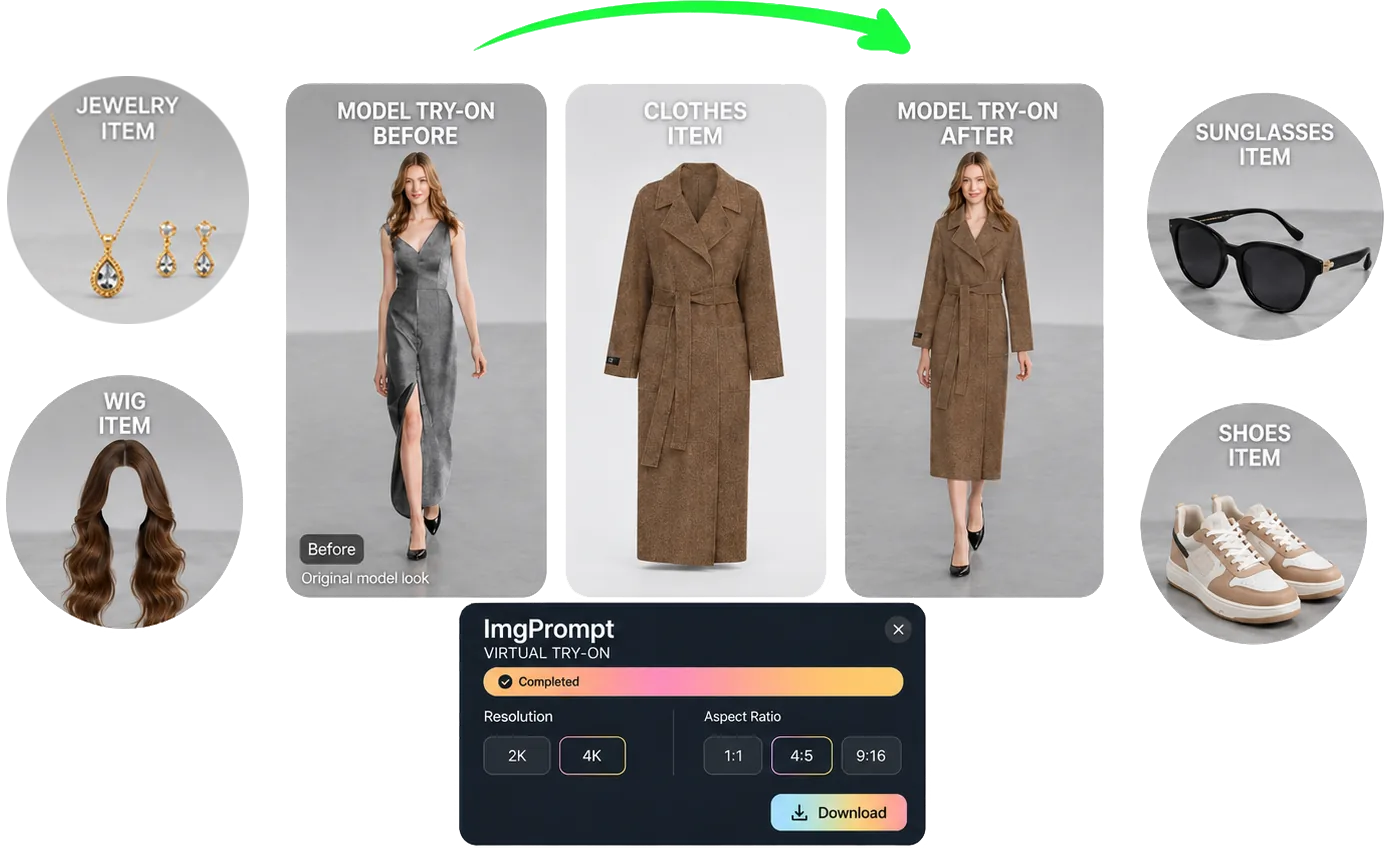
Create virtual try-on visuals for clothing, shoes, jewelry, wigs, and sunglasses with LoomaDesign. Upload a model image, choose the item type, and generate product-ready visuals.
Create cleaner on-model apparel visuals with LoomaDesign. Turn flat lays and garment photos into faster ecommerce-ready model imagery.
Turn plain product photos into cleaner lifestyle visuals for Amazon, Shopify, and marketplace listings with LoomaDesign’s AI scene workflow.
Create Amazon A+ content faster with LoomaDesign. Turn product facts, selling points, and visual direction into cleaner A+ modules and launch-ready workflows.