ネックレスの長さ、ピアスの大きさ、指輪の比率を見せる。

ジュエリーバーチャル試着
AIジュエリーバーチャル試着
ネックレス、ピアス、指輪、ブレスレットを人物へ適用。装着位置、比率、金属色、肌との接触を調整します。 必要な入力、制作手順、公開前の確認項目をEC実務に合わせて説明します。
要点
AIジュエリーバーチャル試着は、ジュエリー商品ページと広告向けの着用画像が必要なチーム向けです。人物の部分写真、ジュエリー画像、正確なサイズ情報を用意し、生成後に形、サイズ感、金属色、宝石、装着位置を確認してから採用します。
用途
ECチームが最短で使える場面
肌色、スタイリング、構図による見え方を比較する。
白背景画像だけでは伝わらない着用サイズを商品ページに加える。
ワークフロー
入力から実用的な出力までの流れ
ステップ 1
信頼できる入力を用意
人物の部分写真、ジュエリー画像、正確なサイズ情報を整理します。元情報が明確なほど確認作業も短くなります。
ステップ 2
画像タスクを設定
LoomaDesignで品目に合わせて装着位置を決め、比率、重なり、反射を確認する作業を進めます。
ステップ 3
比較して書き出し
形、サイズ感、金属色、宝石、装着位置を確認し、ジュエリー商品ページと広告向けの着用画像として使える案だけを残します。
Looma の強み
ツールを使う前に理解したいポイント
ジュエリーのバーチャル試着が役立つ制作業務
画像ごとに具体的な役割があるとき、このワークフローを使いやすくなります。
- ネックレスの長さ、ピアスの大きさ、指輪の比率を見せる。
- 肌色、スタイリング、構図による見え方を比較する。
- 白背景画像だけでは伝わらない着用サイズを商品ページに加える。
生成後も守る商品情報
元画像と出力を並べ、商品ページへ載せる前に差分を確認します。
- 形、サイズ感、金属色、宝石、装着位置を確認する。
- 同梱されない付属品や、資料にない機能が追加された案は使わない。
- スマートフォンのサムネイルと拡大表示の両方で確認する。
既存のEC制作へ組み込む方法
確認済みの画像を商品ページ、広告、次のデザイン作業へ割り当てます。生成した全案を公開する必要はありません。
- ジュエリー商品ページと広告向けの着用画像を商品ページまたは広告の担当者へ渡す。
- 不採用理由を記録し、次回の条件を具体的にする。
- 元の商品写真を残し、次の制作でもSKU照合に使う。
FAQ
利用前によくある質問
関連リソース
Looma の関連コンテンツを見る
関連機能ソリューション
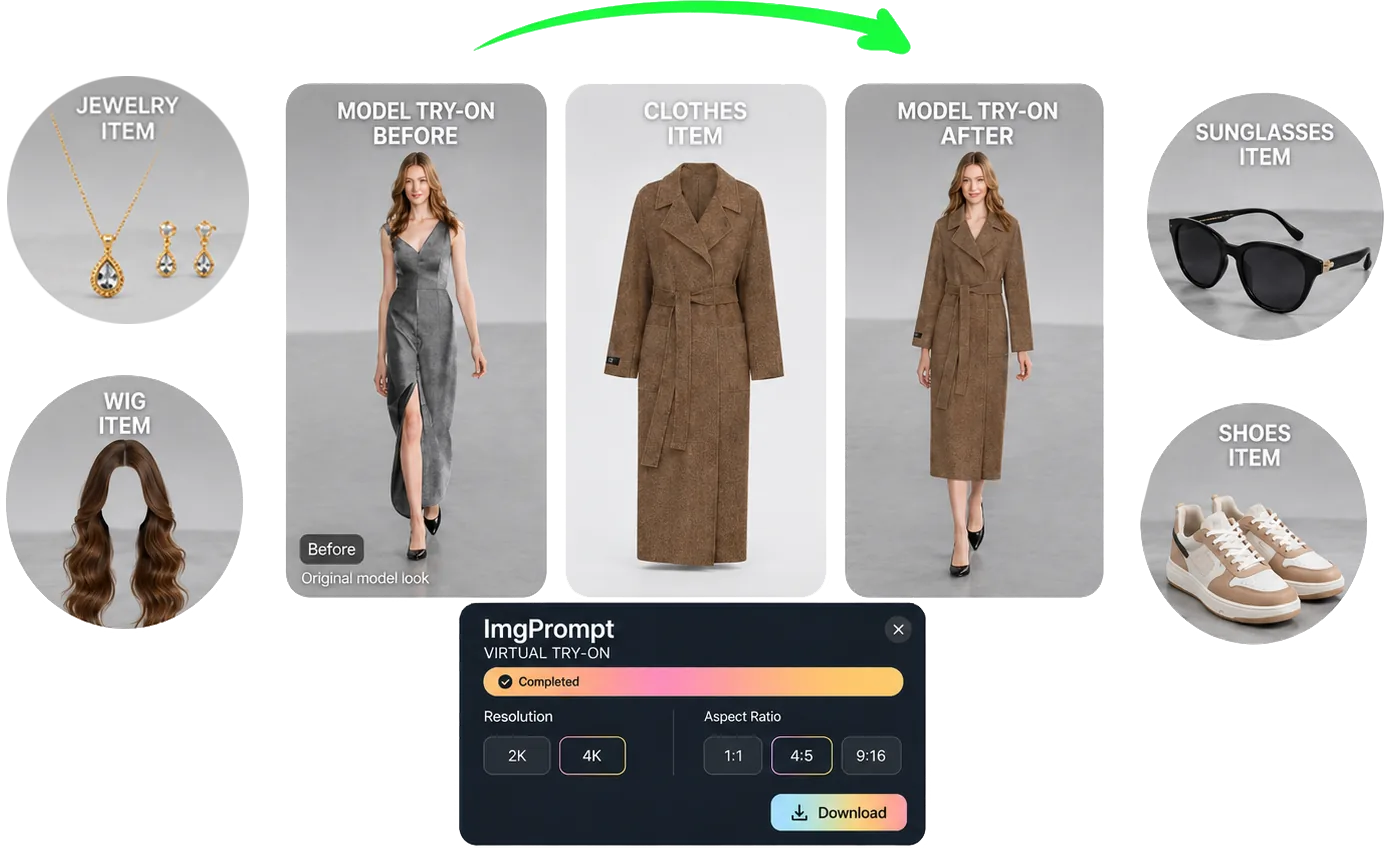
EC向けAIバーチャル試着
服、靴、ジュエリー、ウィッグ、サングラスの試着画像を一つの流れで作成。カテゴリ別の装着条件を確認できます。
リソースを開く
関連機能ソリューション
AIファッションモデル生成
服装素材からEC向け着用画像を生成。人物、体型、ポーズ、シーンを調整し、カタログや広告用のモデル素材を増やします。
リソースを開く
関連機能ソリューション
Amazon商品シーン画像生成AI
実物の商品を用途に合う生活シーンへ配置。Amazonの追加画像、A+モジュール、広告テスト向けの画像を作成します。
リソースを開く
関連機能ソリューション
Amazon A+コンテンツ生成AI
商品情報、訴求点、画像方針からAmazon A+の構成を整理。各モジュールの役割と制作・確認項目を明確にします。
リソースを開く