补充主图之外的角度、细节和材质说明。

商品图库扩展
电商商品附图生成器
从一张可靠商品图扩展角度图、细节图、尺寸图和使用场景,补齐详情页中真正影响购买判断的图片。 页面围绕真实电商制作任务说明输入、处理方法和发布前检查。
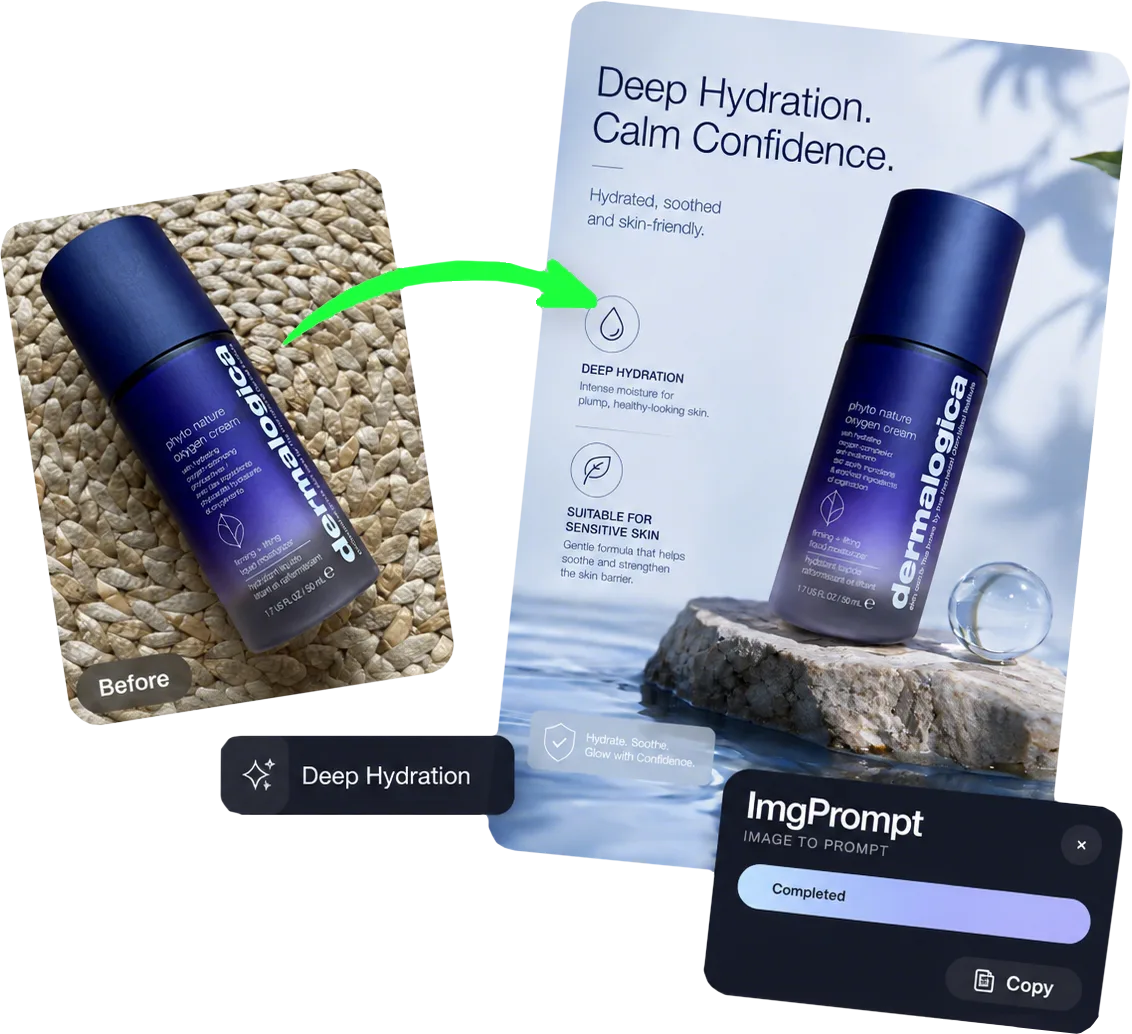
快速说明
电商商品附图生成器适合需要职责清楚、风格一致的商品详情页图片组的团队。准备一张可靠商品图,以及图库中尚未回答的买家问题,在生成后核对商品结构、颜色、比例、包装内容和图片之间的一致性,再把通过检查的结果用于商品页或广告。
使用场景
这个功能最适合解决哪些电商图片问题
用尺寸参照和使用场景减少买家理解成本。
为旧商品页增加有信息价值的新图片,而非重复主图。
工作流程
从商品输入到可用输出的清晰路径
步骤 1
准备可靠输入
先整理一张可靠商品图,以及图库中尚未回答的买家问题。源资料越明确,后续审核越容易。
步骤 2
设置制作任务
在 LoomaDesign 中为每张附图指定一个信息任务,例如细节、尺寸或使用方式,让每次生成都有明确用途。
步骤 3
对照商品并导出
检查商品结构、颜色、比例、包装内容和图片之间的一致性,只保留能形成职责清楚、风格一致的商品详情页图片组的结果。
为什么选择 Looma
用户进入工具前需要理解的重点
商品详情页附图适合哪些任务
这类工具的价值来自具体制作任务。以下三种情况最适合进入该工作流。
- 补充主图之外的角度、细节和材质说明。
- 用尺寸参照和使用场景减少买家理解成本。
- 为旧商品页增加有信息价值的新图片,而非重复主图。
发布前必须保留的细节
生成速度不能替代商品核对。团队需要把原图和输出放在一起检查。
- 核对商品结构、颜色、比例、包装内容和图片之间的一致性。
- 确认画面没有增加未随商品发货的配件或未经证实的功能。
- 在手机缩略图和放大视图中分别检查商品是否清楚。
如何接入现有电商流程
把通过检查的输出分配给商品页、广告或后续设计任务,不把所有版本都直接发布。
- 把职责清楚、风格一致的商品详情页图片组交给负责商品页或广告的人员复核。
- 记录被拒绝版本的问题,下一次生成时收紧条件。
- 保留原始商品图,方便后续版本继续进行 SKU 对照。
常见问题
用户开始使用前常问的问题
相关资源